12
Remote Control
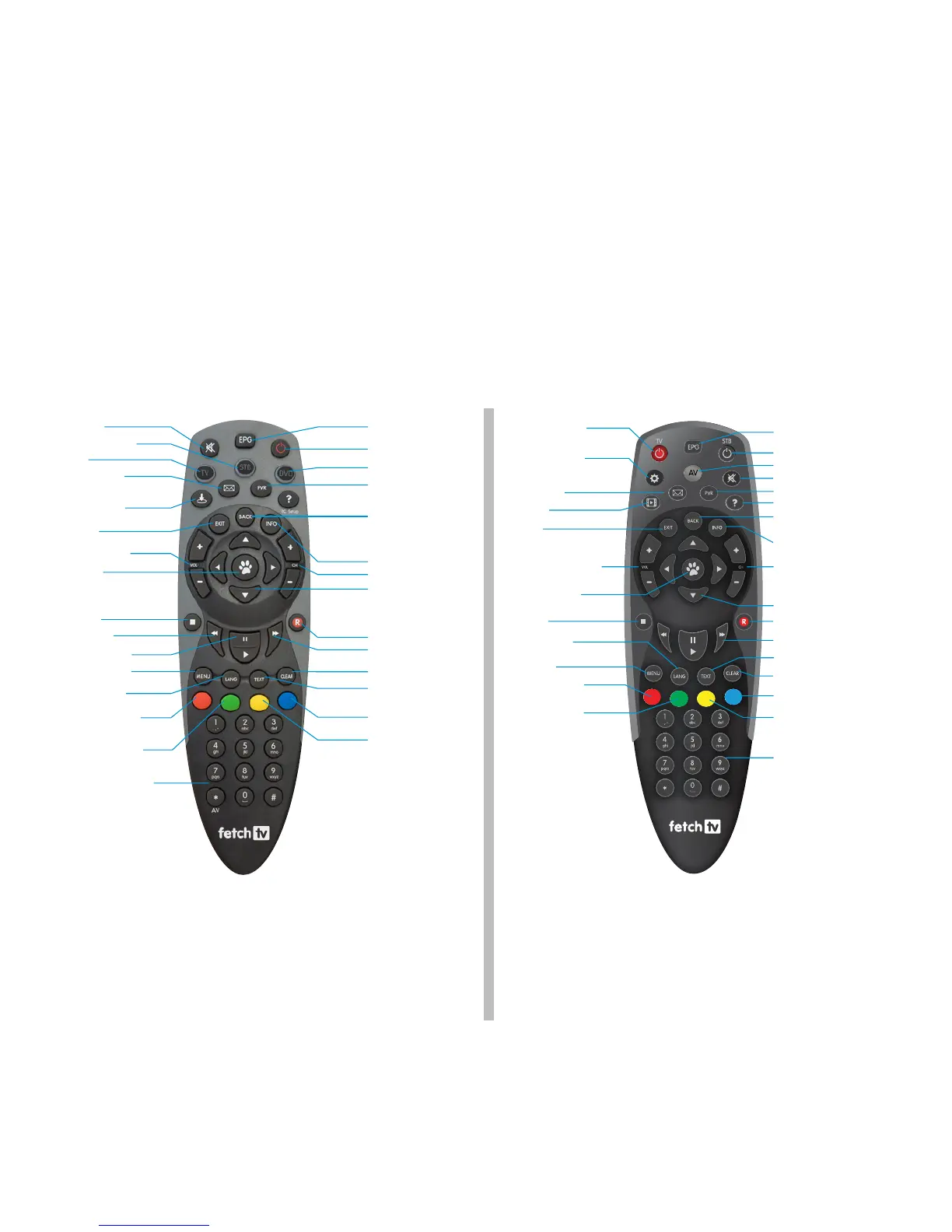
The remote control brings Fetch TV to life every time you use it. It has all the functions you need for quick and easy viewing.
To make your remote control work, remove the battery cover, insert the two batteries supplied, and replace the cover.
Set Up for Universal Remote
You can use the Fetch TV remote to operate your TV as well as your Fetch TV Set Top Box.
To program your Fetch TV remote to control your TV, go to Main Menu > Manage > Settings > Remote Control.
* Tip: If you are using this Fetch TV remote, make sure you
press “STB” to control the Set Top Box.
Remote Control 1
Remote Control 2
Directional Arrows
Clear
Standby
Fast Forward
Record
Text
Subtitles on/off
Channels +/-
Function Key
Function Key
Switch between
My Channels and
All Channels mode
Navigate up, down,
left, right and adjust
system settings to your
preference
Information Bar
Personal Video
Recorder
DVD
Back
Takes you up one level
Electronic
Program Guide



 To Next Page