Go to fetco.com for the latest versions of all information Page 4 User Guide & Operator instructions P212e0August 2021
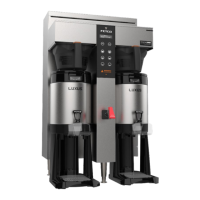
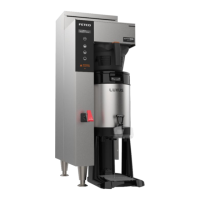
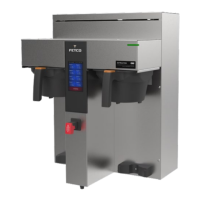
1. Turn the power switch “ON”. (Twin Shown)
2. Prepare a brew basket with the correct size filter and appropriate amount of
coffee.
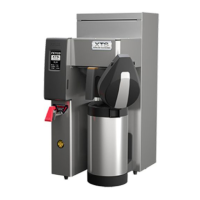
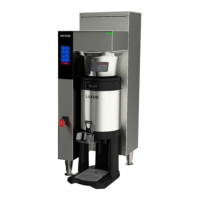
3. Slide the brew basket completely into the rails.
4. Place a clean, empty, preheated dispenser under the brew basket.
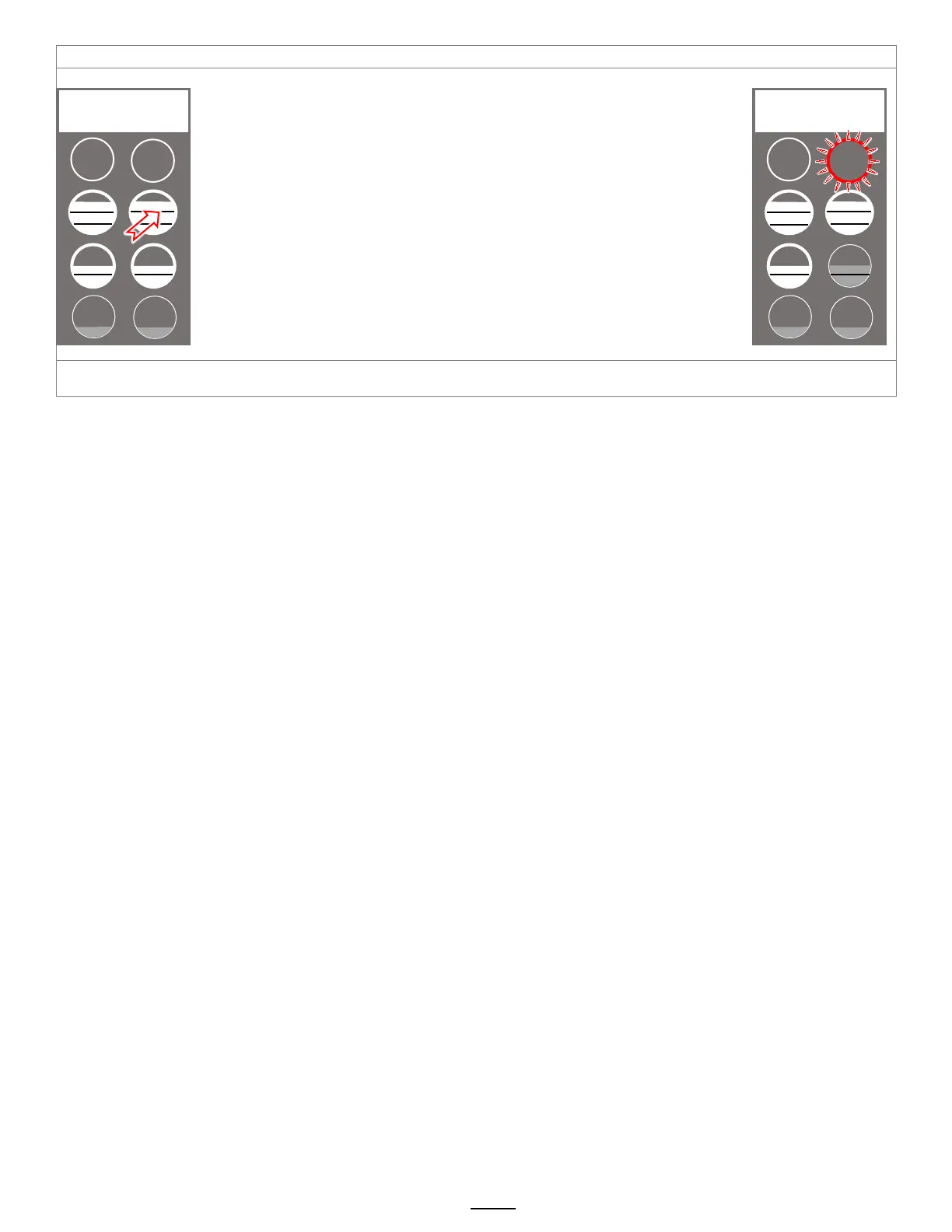
5. Select a batch & hold the corresponding BREW button in for 1 second to start
6. -STOP button will illuminate,
-Countdown time will display,
-Selected BREW button will flash to indicate brew is in progress.
-All other BREW buttons for that brew head will extinguish.
7. When the brew cycle is finished,
STOP button will extinguish and the BREW button will continue to flash for the
amount of time programmed into the DRIP DELAY setting.
This indicates that coffee may still be dripping from the brew basket
For safety- do not remove brew basket until drip-out is complete.
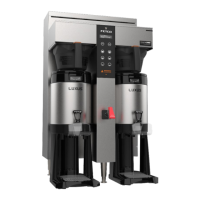
Twin Brewer ready to brew. Example shown: Pressing top right brew position
STOP


 To Next Page