Go to fetco.com for the latest versions of all information Page 6 User Guide & Operator instructions P212e0August 2021
The most common programming steps ae for the batch volumes and brewing parqameters.
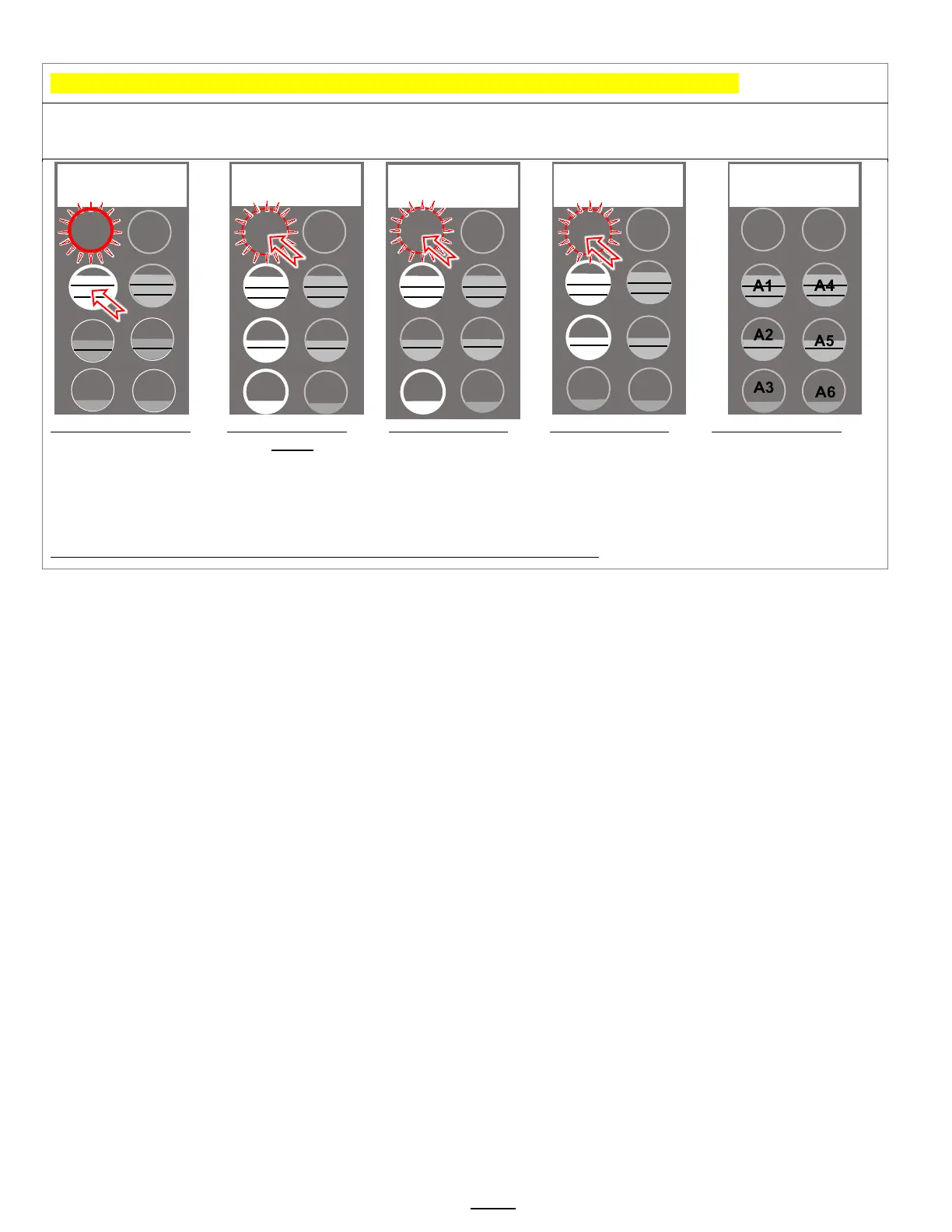
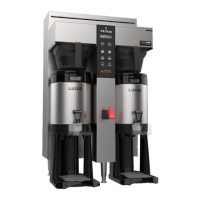
The A menus [A1-3 or A1-6] correspond to batch buttons [3 or 6] on the touch panel
Access the A menus to PROGRAM & make changes to individual menu recipes. Menu settings can be copied
Menu positions A1 and A4 [top position] are permanent. Menus A2, A3, A5, A6 can be removed by operator if desired
Press button 1 to go to
the A menu access
screen
Press STOP to scroll
to A20.
(A1&A4 are permanent)
Press STOP to
scroll through the
remaining (3 or 6)
“A” menus. Make
any changes as
Scroll out to
remaining A10-to
A70 programming
keys. See SAVE &
EXIT in previous
Position of batch
buttons
Note: Only the left side buttons of a two sided brewer are used for programming
Brew Volume
A1.10 3.80L +/-
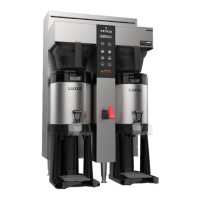
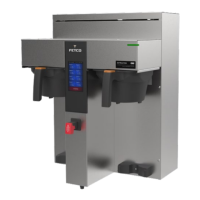
(Dual model shown)
Batches A1 to A6
A1
A2
A3
A4
A5
A6
Batch Enabled
A2.00 YES -
STOP


 To Next Page