Page 13
This chapter describes the process for a new FDL242 which is to be run through the Targeting and Alignment process for the very first time. If a
previously operated and aligned FDL242 is to be used in a new mounting situation the required process deviations are described in the chapter
‘Realignment of FDL242’.
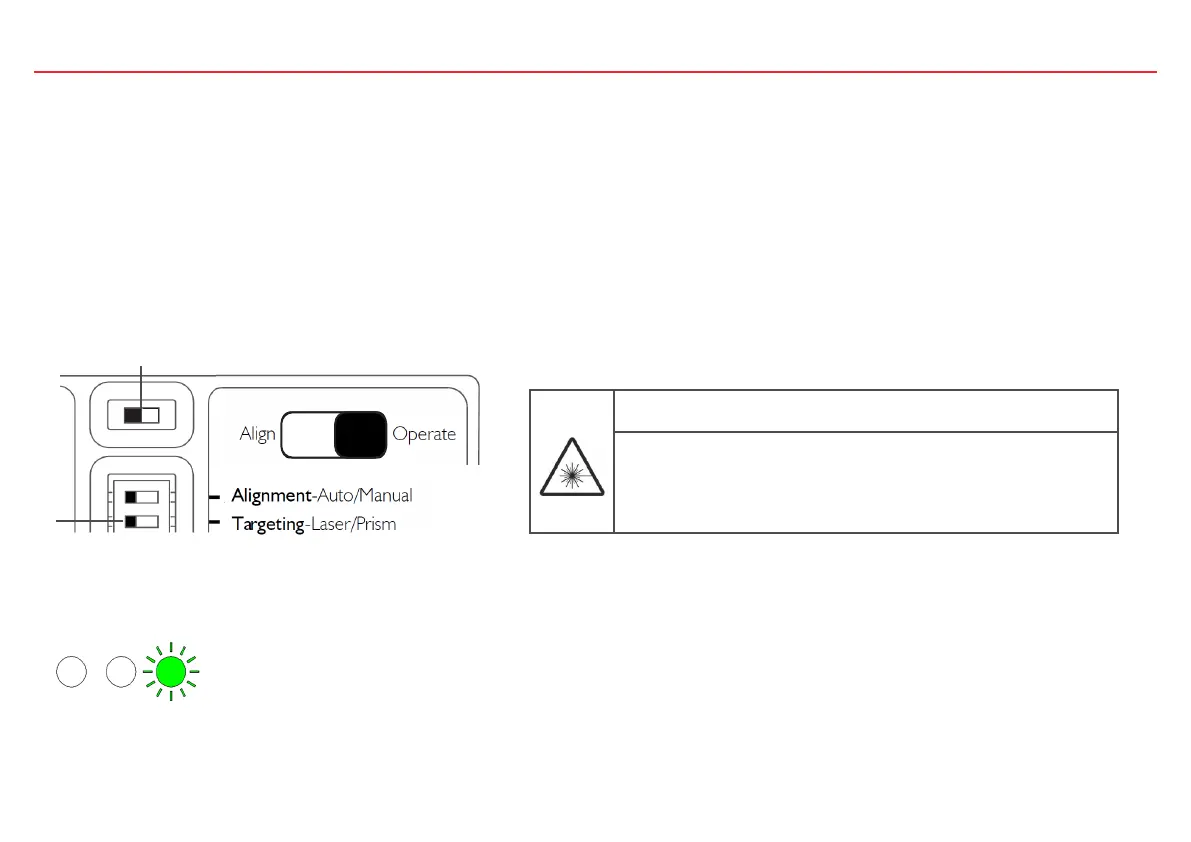
Before powering the FDL242 the switches need to be in the following positions (default): “Alignment-Auto”, “Targeting-Laser”, Slide Switch:
“Operate”
1. To start Laser Targeting move the slide switch (2) to “Align”.
Laser Targeting and Automatic Alignment of a New FDL242
DANGER
Laser radiation class 3R 5 mW, Wavelength 630…680 nm
Severe eye injury
• Avoid direct eye exposure to laser beam.
• Follow local regulations for use of products with Class 3R lasers
1
2
2. The right-hand green LED flashes once per second to indicate the system is in targeting mode.
WARNING: The laser can become activated at any time as long as switch 2 is in
the left position (Align).



 To Next Page