MULTIMEDIA
228
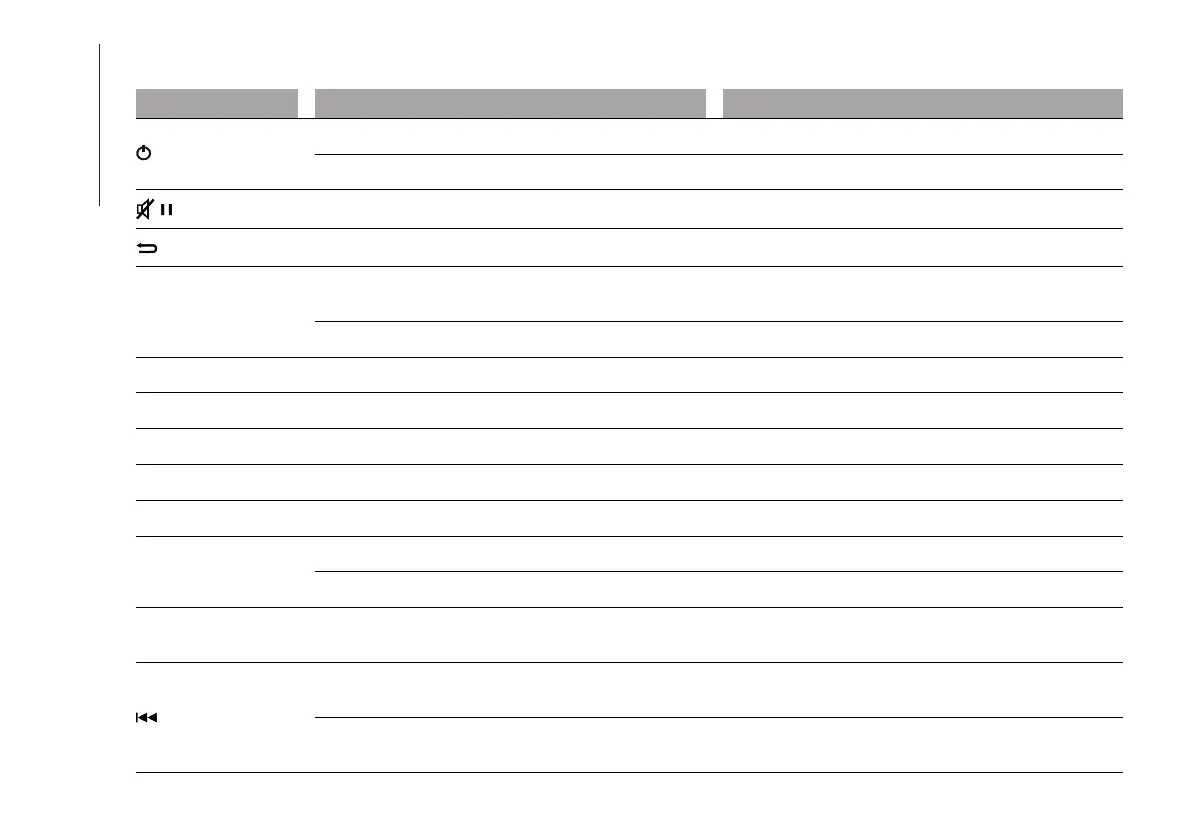
FRONT CONTROL PANEL SUMMARY TABLE
Button Functions Mode
On/off Short button press
Volume adjustment Left/right rotation of knob
Volume activation/deactivation (Mute/Pause) Short button press
Exit the selection/return to previous screen Short button press
BROWSE ENTER
Scrolling the list or tuning to a radio station or select
previous/next track
Left/right rotation of knob
Confirmation of the option displayed Short button press
INFO Display mode selection (Radio, Media Player) Short button press
PHONE Access to the Phone mode Short button press
MENU Access to the Settings menu Short button press
MEDIA USB source selection Short button press
RADIO Access to the Radio mode Short button press
1-2-3-4-5-6
Store current radio station Long button press
Stored radio station recall Short button press
A-B-C
Selection of the group of radio presets or selection of
the desired letter in each list
Short button press
Search for previous radio station or selection of USB
previous track
Short button press
Scan of lower frequencies until beginning of previous
track
Long button press



 To Next Page