MULTIMEDIA
238
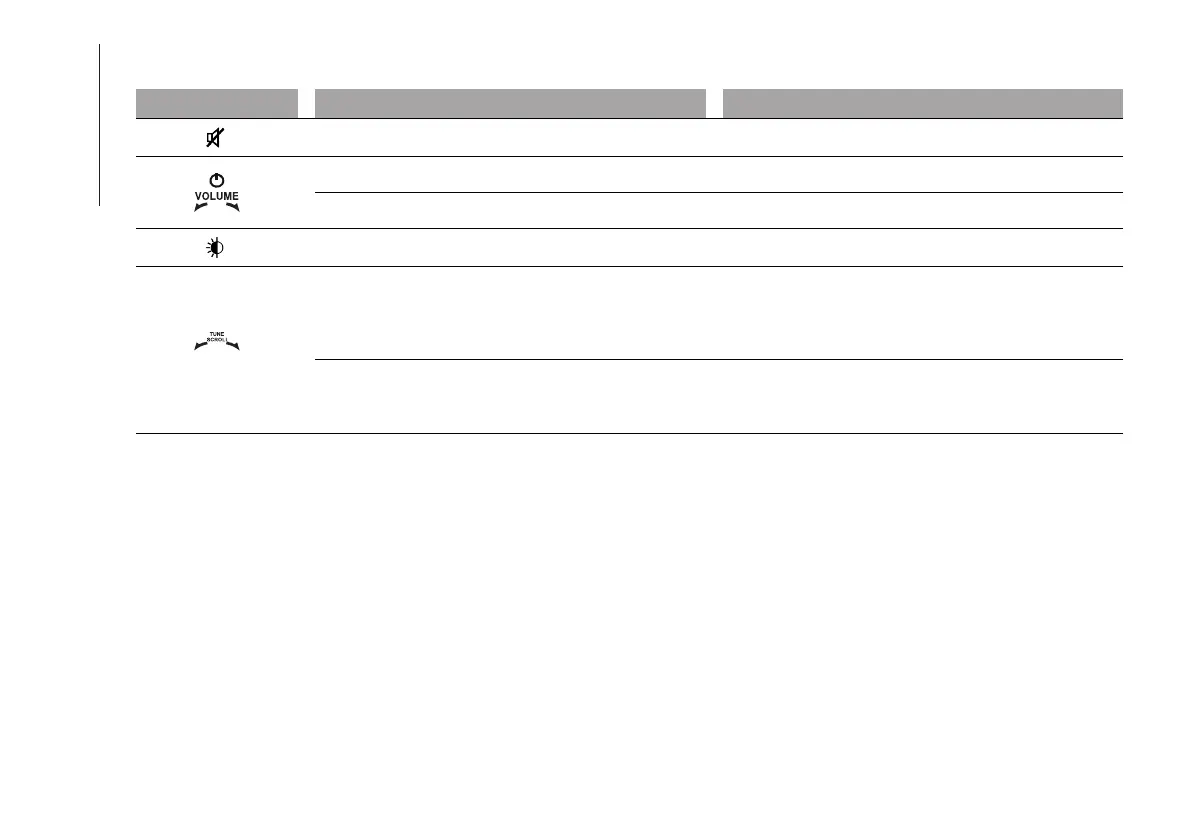
FRONT CONTROL PANEL SUMMARY TABLE
Button Functions Mode
Volume activation/deactivation (Mute/Pause) Short button press
On/off Short button press
Volume adjustment Left/right rotation of knob
Display on/off Short button press
BROWSE ENTER
Scrolling the list or tuning to a radio station.
Change radio station (Radio mode) Scroll the contents
of the sources (Media mode)
Media source track change
Left/right rotation of knob
Confirmation of the option displayed. Open the
browsing list (Radio mode or Media mode) Display the
list of stations if (Radio mode)
Short button press



 To Next Page