KNOWING THE INSTRUMENT PANEL
46
DRIVER ASSIST
AUDIO
PHONE
NAVIGATION
ALERTS
VEHICLE SETUP
Vehicle info
This menu item displays the information
on the vehicle conditions: Tyre
pressure, oil temperature, Service
(scheduled maintenance), AdBlue.
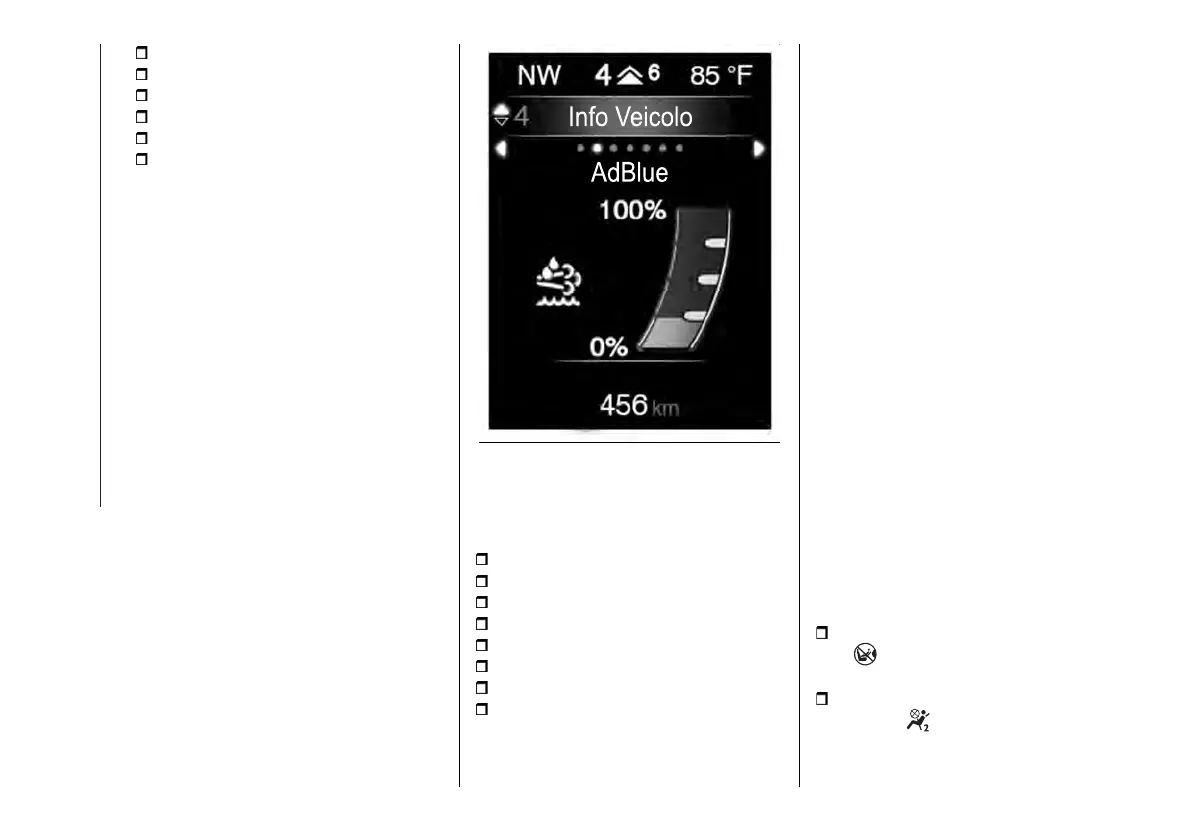
AdBlue
This screen fig. 54 shows the level of
AdBlue
®
in the tank expressed as a
percentage.
54 F1B0761
Vehicle Setup (Change car settings)
This menu item allows you to change
the settings for:
Vehicle off (where provided);
Display;
Units;
Clock & Date;
Safety;
Safety & Assistance;
Lights;
Doors & Locks.
Vehicle off (where provided)
This is used to switch off the engine
in the event of a Keyless Enter-N-Go
system fault, following the procedure
described on the display.
Display
By selecting item "Display" you
can access the settings/information
regarding: "Language", "See phone",
"See navigation", "Automatic Trip
B reset", “Drive Mode Selector
Repetition” (where provided), "Display
settings".
Units
Select item "Units" to choose the unit
of measurement between: "Imperial",
"Metric", "Customised".
Clock & Date
Select item "Clock & Date" to make
the following adjustments: "Set Time",
"Time Format", "Set Date".
Safety
Select item "Security" to make the
following adjustments: "Passenger
AIRBAG", "Speed beep", "Seat Belt
Buzzer", "Hill Hold Control".
"Passenger AIRBAG" adjustment
allows you to activate/deactivate the
passenger airbag:
passenger's protection active: the
LED ON comes on constantly in the
instrument panel dashboard.
passenger's protection not
active: the OFF LED comes on
constantly in the instrument panel
dashboard.



 To Next Page