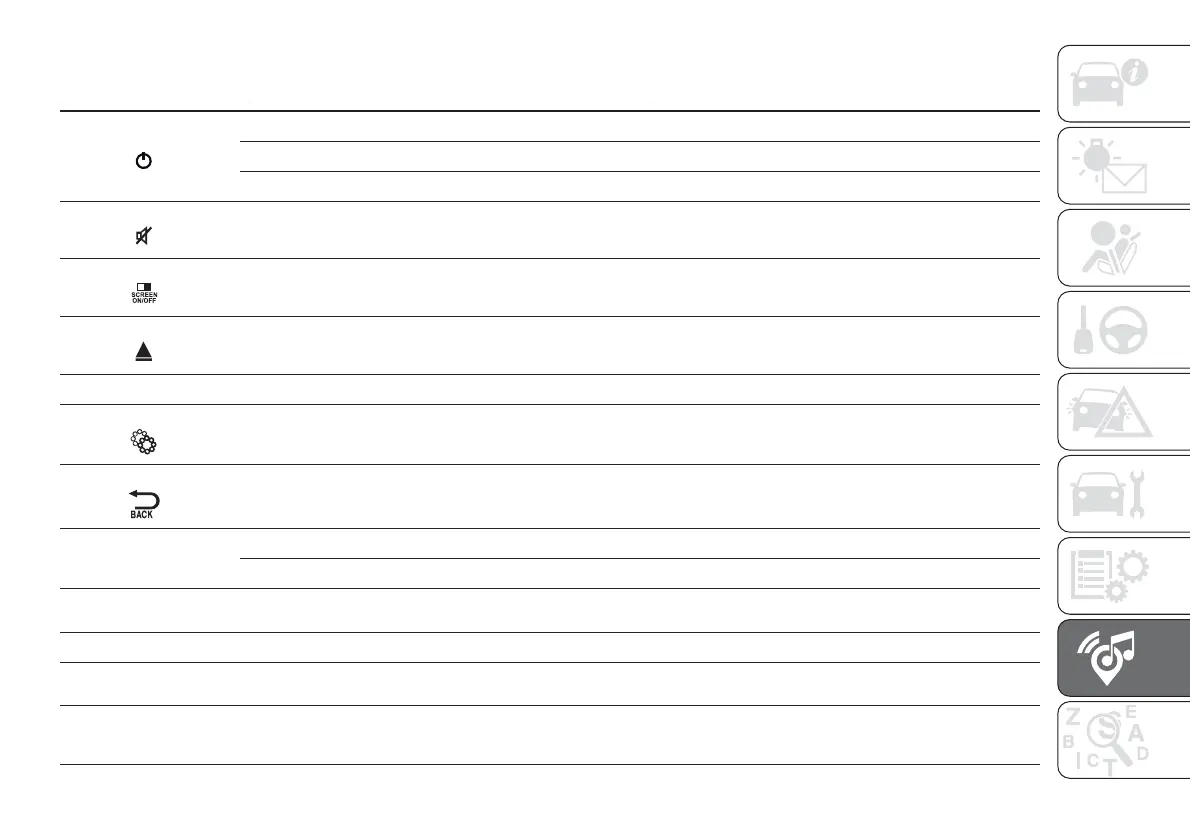
FRONT PANEL CONTROL SUMMARY TABLE
Button Functions Mode
1-
Switching on Short button press
Switching off Short button press
Volume adjustment Left/right rotation of knob
2-
Volume activation/deactivation (Mute/Pause) Short button press
3-
Display on/off Short button press
4-
CD ejection Short button press
5- CD housing –
6-
Settings Short button press
7-
Exit the selection/return to previous screen Short button press
8-BROWSE
ENTER
Scrolling the list or tuning to a radio station Left/right rotation of knob
Confirmation of the option displayed Short button press
9-
MORE
Access to the additional functions (display of Time, Trip
Computer, Outside temperature)
Short button press
10-
PHONE Phone data display Short button press
11- TRIP
(Uconnect™ 5” Radio)
Access to the Trip menu Short button press
11-
NAV
(Uconnect™ 5” Radio
Nav)
Access to the Navigation menu Short button press
273













 To Next Page