FIPO10 V.1 – Fic S.p.a. Via Trivulzia 54, 23020 Mese (SO) 9
4.6. Running cycle
Before proceeding to program the working cycle it is necessary to adjust the clock as follows:
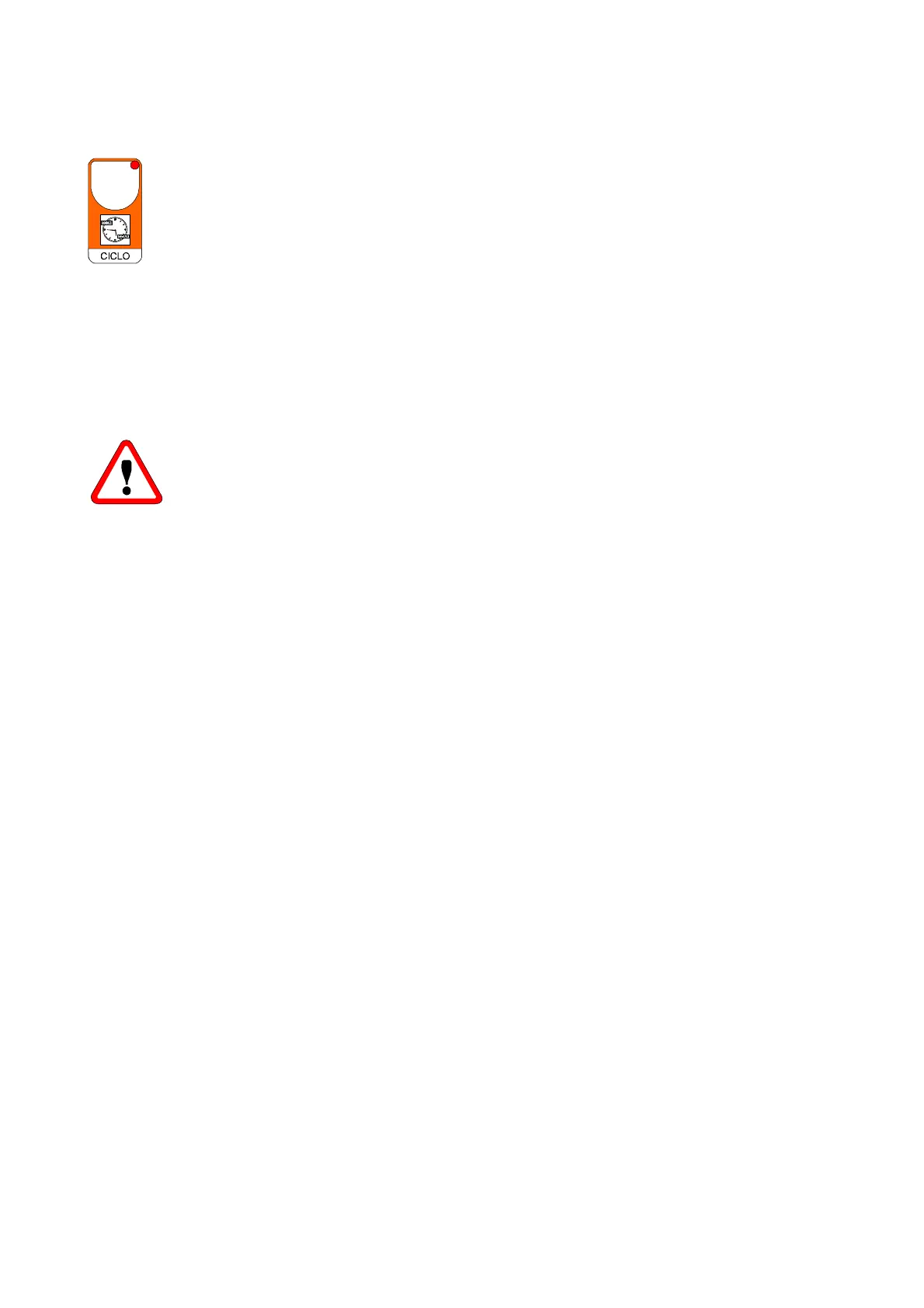
press button CICLO for more than 4 seconds to enter into the time program. The display shows the time
(hh.mm). Operate on + or - to change it, press CICLO to confirm.
Now the display shows the week day (d=). Operate on + or - to change it, press CICLO to confirm.
Press CICLO to program the weekly working periods. The display shows the message -SI- that indicates that
program mode is on (if the timed function is not required press button - that turns the message to -no-; at this
stage press CICLO to exit from program mode with timed function that does not run anymore the appliance;
this state is shown with the turn off of both the CICLO diods).
Otherwise if timed function is required (message -SI- on the display), press CICLO. The display shows message dAy.1
to set the program for the first day of the week. Press CICLO to confirm.
The display will show the message -On- alternate to the set value of hours and minutes for the appliance start on day 1.
Operate on + or - to change it, press CICLO to confirm.
At the end of dAy.7 programming (last day of the week) the program returns to display the temperature of the
programmed area.
Press TEMP to escape at any time from program mode.
It is possible to step through the week days pressing + or - when message dAy is diplayed.
WARNING !
If a day is completely ON, program -On- = 0.00 and -oFF- = 23.59.
Remember to set time and week day if function CICLO is required.
Obviously this operation is required just at the first start-up or at summer hour change.



 To Next Page