Before setting your combination, always remember that the central knob allows you to
count a number from 0 to 12 on each of the 4 counters.
Example:
4. At the exterior side of the door, select counter 1.
5. Turn the central knob completely to the left until it reaches the stop. Turn the central knob
to the right, mentally counting the notches (example: 9).
If you have doubts, turn the central button completely to the left and start again.
6. Repeat steps 3 and 4 for the other 3 counters.
7. Move the selector knob to the marker “O”.
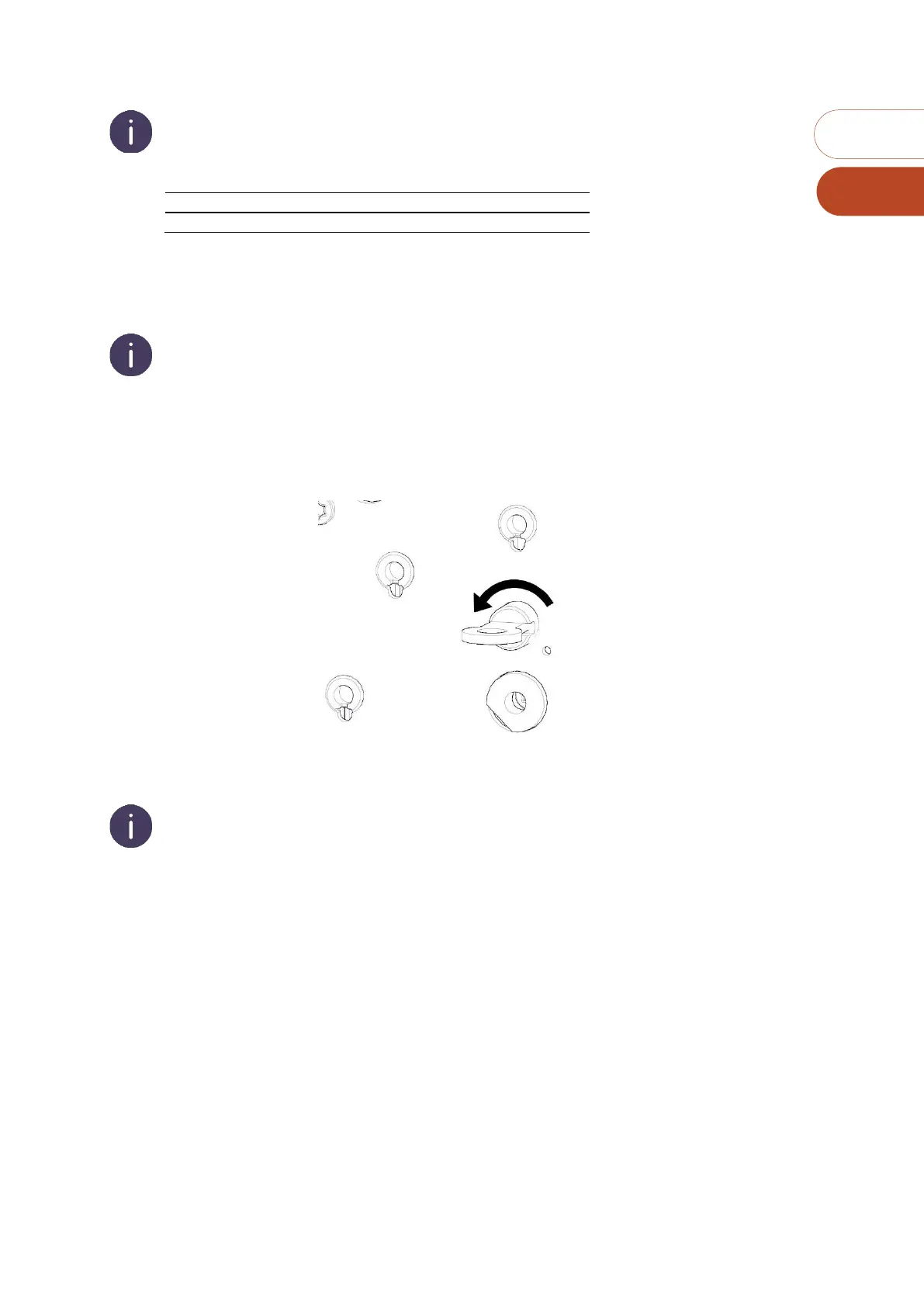
8. Inside the door, turn the combination changing button (slotted button) back to the original
position by turning it a quarter-turn to the left. The combination is set.
9. At the exterior of the door, turn the central knob to the right stop position. The MC4 is open
and automatically scrambled. After scrambling the code previously entered will be effaced.
If the central button will not turn, the combination change button (the split knob) is not in its
initial position. Set it back to its INITIALE position.
10. ESSENTIAL: Keep the door open and check the combination you have selected (see
“CHECKING THE COMBINATION SETTING”).



 To Next Page