MAC OS X 28
Selecting the E100 in the Printer List
Before you print a job, you must select the E100 from the Printer List. Use the following
procedure to select the E100 as your default printer.
TO SELECT THE E100 AS THE DEFAULT PRINTER WITH MAC OS X V10.5 OR V10.6
1 Make sure that the E100 is connected to the network and turned on.
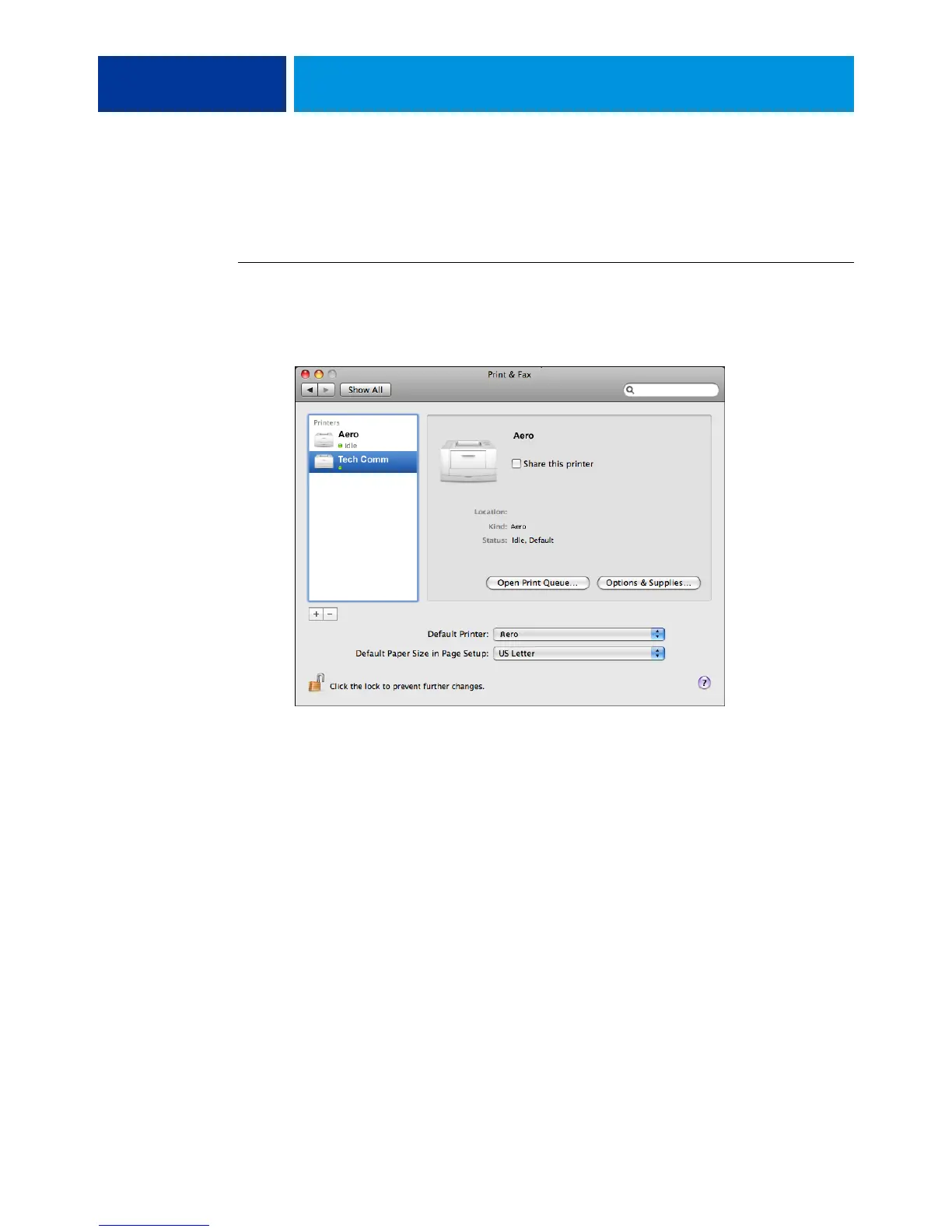
2 Choose System Preferences from the Apple menu, and then choose Print & Fax.
The printers that are set up for printing are listed. The virtual printers that are configured at
the E100 and set up for printing are also listed.
3 To make the E100 the default printer, select it from the Default Printer menu.
4 Close the window.



 To Next Page