WINDOWS 56
Specifying default print options for print jobs
To set default print options, use the following procedure.
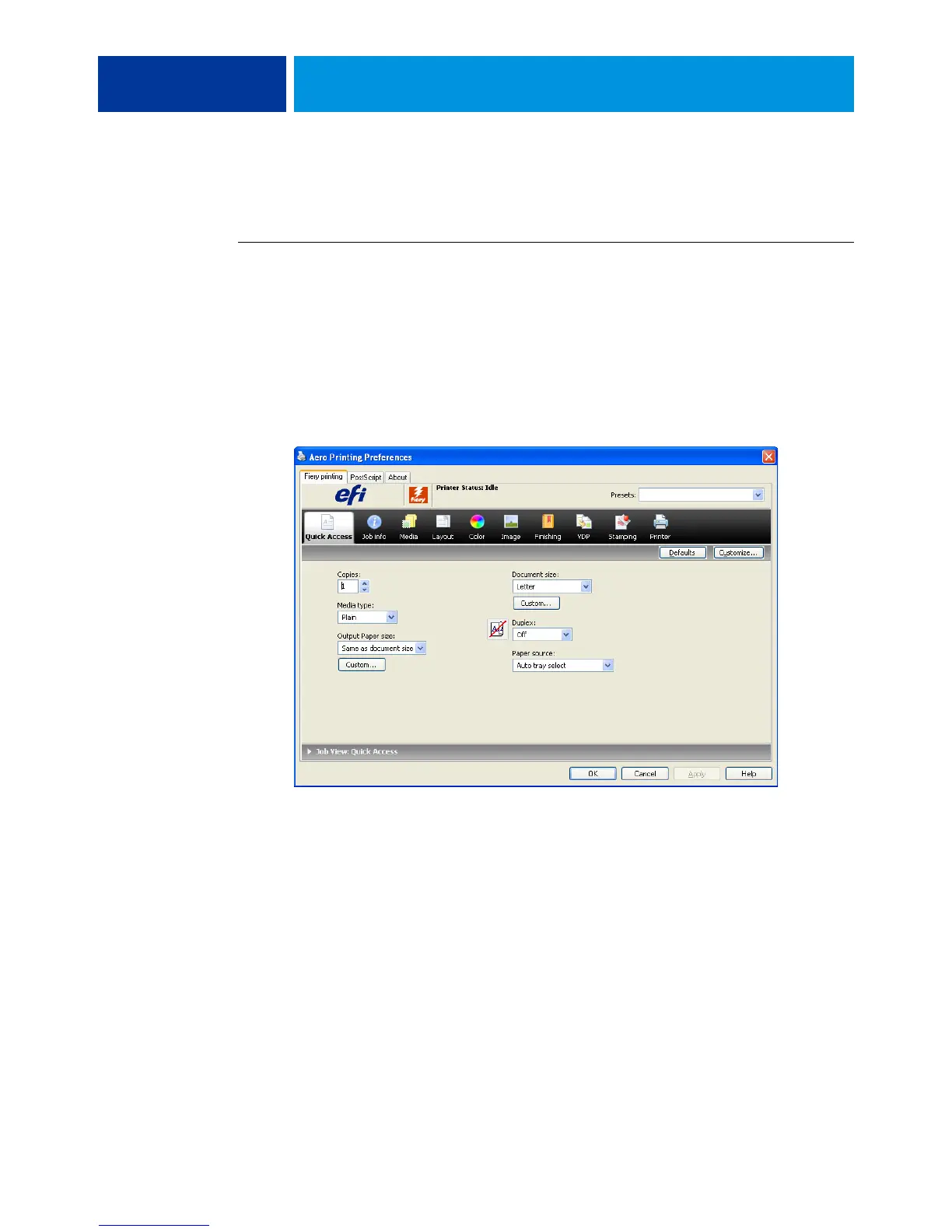
TO SET DEFAULT PRINT OPTIONS FOR WINDOWS PRINT JOBS USING THE POSTSCRIPT PRINTER DRIVER
1 Windows 2000: Click Start, choose Settings, and then choose Printers.
Windows XP: Click Start and choose Printers and Faxes.
Windows Server 2003: Click Start, choose Control Panel, and then choose Printers and Faxes.
Windows Vista/Server 2008: Click Start, choose Control Panel, and then double-click Printers.
Windows 7/Server 2008 R2: Click Start and choose Devices and Printers.
2 Right-click the E100 icon and choose Printing Preferences.
3 If the Fiery Printing tab is not displayed, click it.
4 Specify the default settings for your print job, as described on page 54.
5 Click OK to close the dialog box.



 To Next Page