SUPPLEMENTARY OPERATING MANUAL 2
2-
3
05-19-06 CDP-01 Figure Sheet 1-900
Explanation of the Operating Modes
Note: All Start-up Procedures must be performed before Automatic and Servo Center
modes are used.
OSCILLATOR ON/OFF
’Oscillator’
Set ‘Oscillator On/Off’ via external control.
Note: the oscillator can be controlled via the
parallel port only if the OSC-20 is set to remote mode.
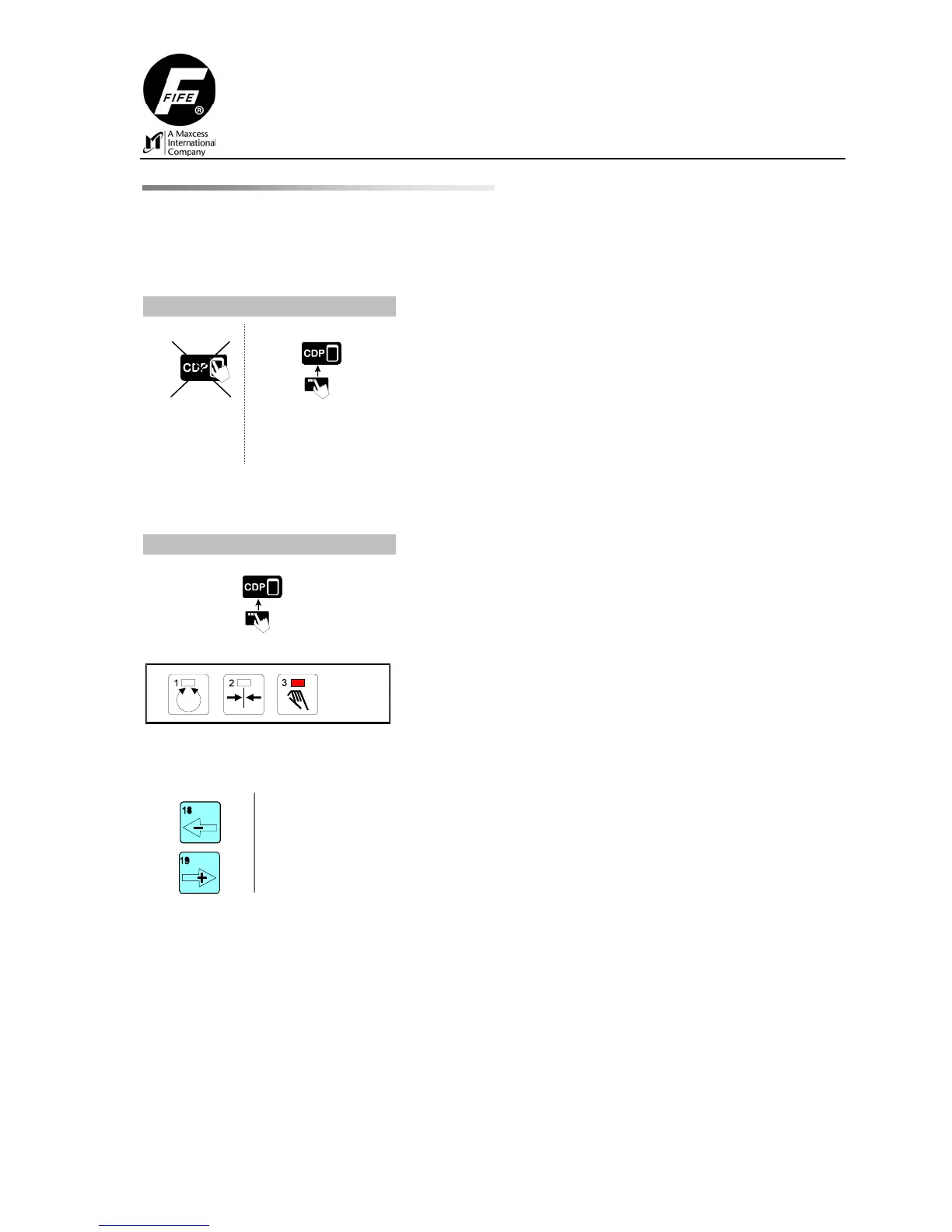
MANUAL
Select ‘Manual’ via external control.
The active drives are switched to Manual.
Check: LED (3) lit.
Setup functions can be performed and sensor modes
selected, if desired.
‘Left’
‘Right’
Press the - or + key to set ‘Left’ or ‘Right’ to manually
alter the position of the drive.



 To Next Page