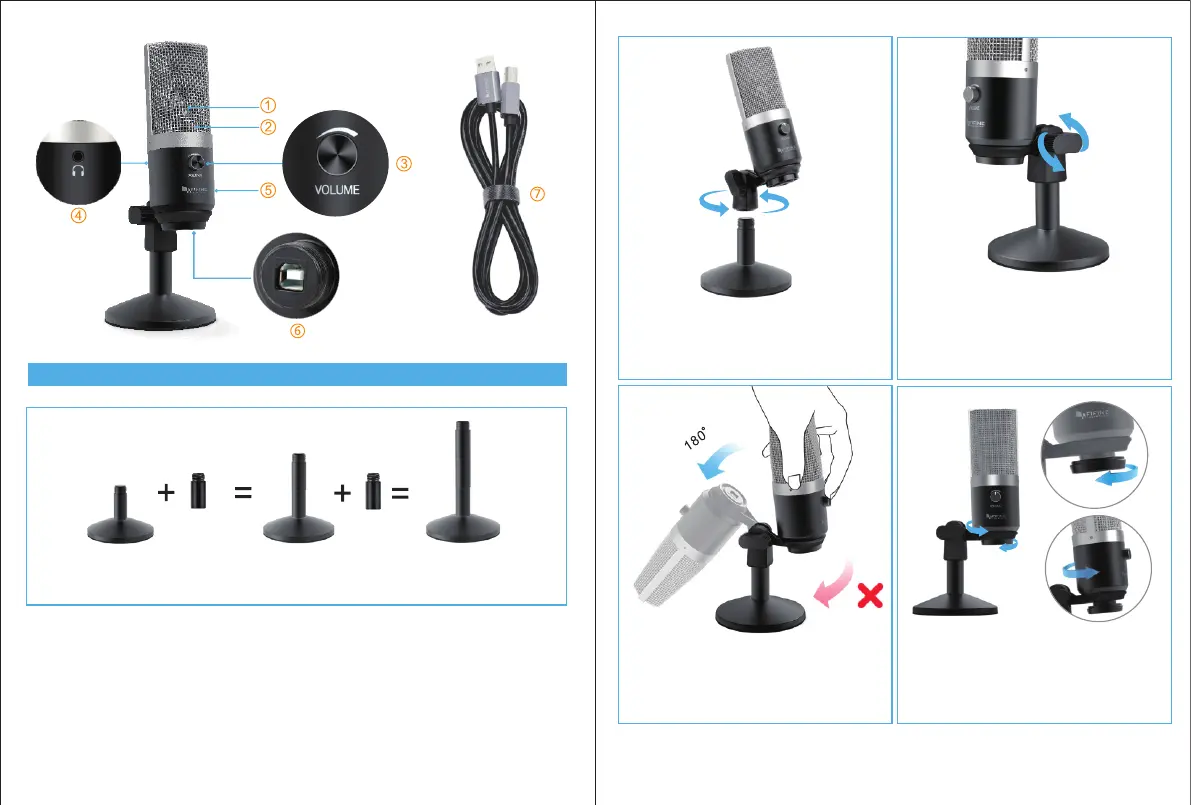
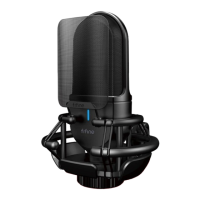
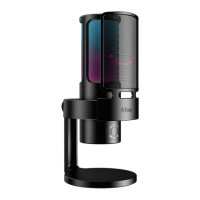
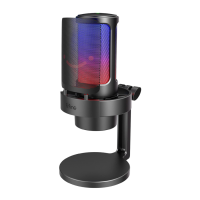
SETTING UP MICROPHONE WITH ADJUSTABLE DESK MICROPHONE STAND
1.Adjustable mounting bracket from 1.97” to 4.65” if you need.
3 4
2.Screw the pivot mount onto the top of the
mental desk stand.
3. If necessary, adjust the microphone’s angle
with the pivot mount’s thumbscrew.(turn left
for tighten ,turn right for loosen)
4. Pls Swing the microphone counterclock-
wise, Swing the microphone clockwise will
cause the bracket broken.
5.Screw the pivot mount to adjust
microphone angle 360° horizontally
1.97" 3.19" 4.65"


 To Next Page