Need help?
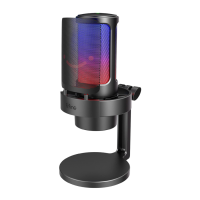
Do you have a question about the Fifine AMPLIGAME A8 PLUS and is the answer not in the manual?
Instructions for initial setup and connection of the microphone.
Explanation of different directional microphone pick-up patterns.
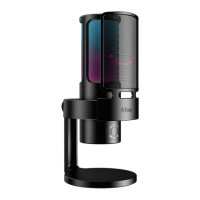
RGB automatically transitions with a flowing single-color gradient.
RGB automatically transitions with a single color breathing effect.
Manually select and retain a specific RGB light color.
RGB lighting automatically transitions with flowing gradient lights.
Controls for turning RGB on/off and selecting modes/colors.
How to mute/unmute the microphone and LED indicator status.
Adjusting the microphone input volume and sensitivity.
Connecting headphones for real-time monitoring and system audio.
Controlling real-time monitoring volume via computer or microphone.
Configuring microphone input settings on macOS.
Setting audio output preferences on macOS.
Routing audio output from the microphone to headphones on macOS.
Configuring microphone input settings on Windows.
Adjusting microphone input volume levels in Windows.
Setting audio output preferences from the computer on Windows.
Routing audio output from the microphone to headphones on Windows.
Common solutions for microphone recognition and audio issues.
Setting up recording software like Audacity for the microphone.
Handling potential audio cancellation or no sound issues.
Optimizing microphone and computer input/output levels.
Guidance on selecting and using recording software.
Guidance on microphone angle and distance for optimal sound.
 General
| Type | Condenser |
|---|---|
| Polar Pattern | Cardioid |
| Frequency Response | 20Hz - 20kHz |
| Bit Depth | 16-bit |
| Sample Rate | 48kHz |
| Connectivity | USB |
| Cable Length | 2m |
| Compatibility | Windows, macOS |
| Features | Mute button, volume control |

 To Next Page