12
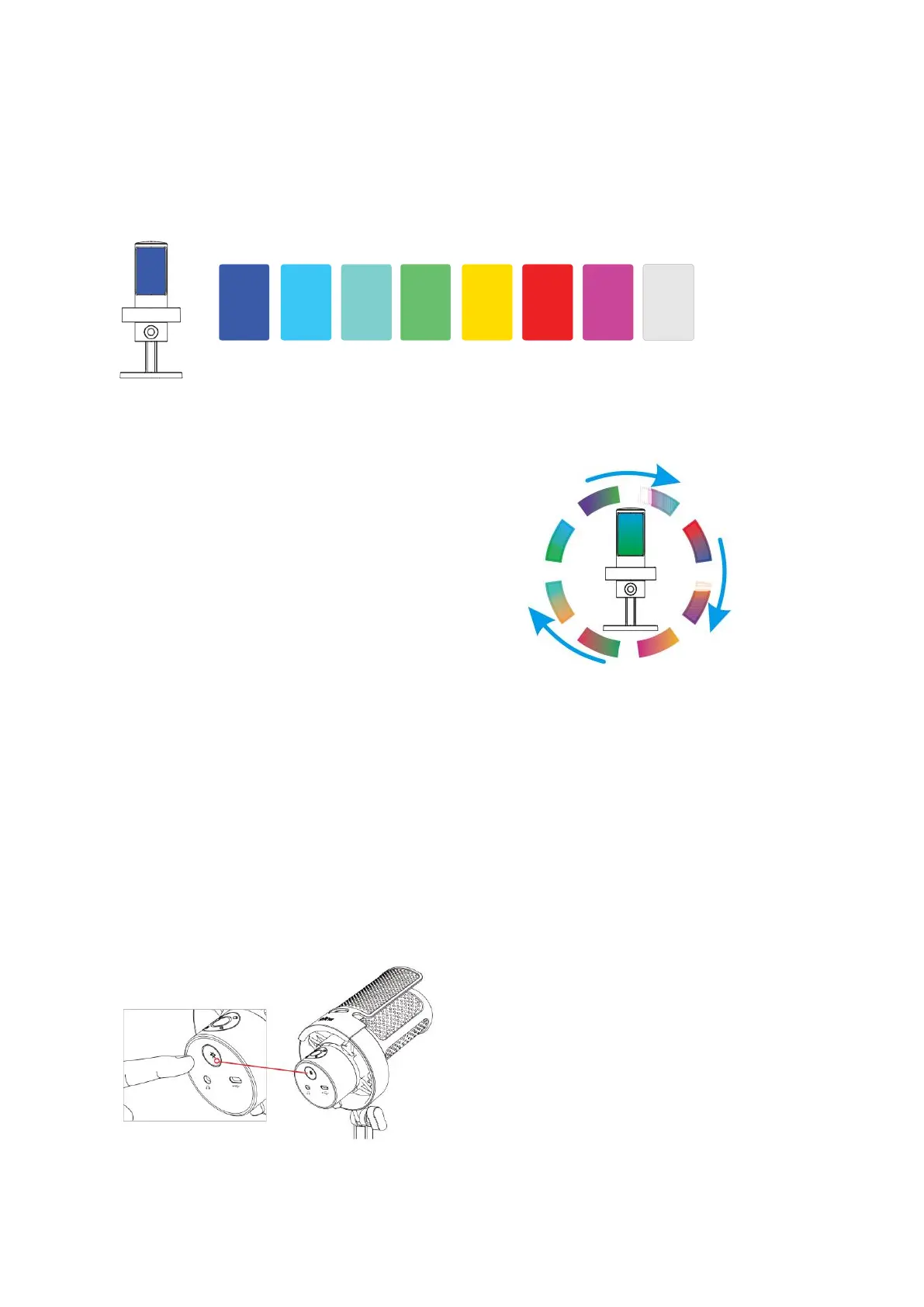
Static Single Color Option
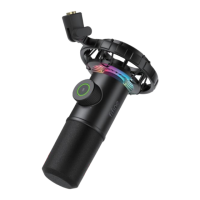
You have the option to manually select the RGB light color, and it will remain in the color
of your choice. The available color options, in order, are blue, cyan, bluish green, green,
yellow, red, purple, and white.
Dynamic Multi Color Gradient
The RGB lighting automatically transitions with
flowing gradient lights.
RGB Button
The RGB button is located at the bottom of the microphone. To turn the RGB lighting on
or off, simply long press the button for 3 seconds. Tapping the button allows you to
select different RGB modes or colors.
Additionally, there is a power-off memory function. Whenever the RGB light is turned on
again, it will retain the same RGB effect it had before being turned off. However, the
three dynamic changing modes will start again from the default color.


 To Next Page
 Loading...