11 12
Voice Search
Voice trigger
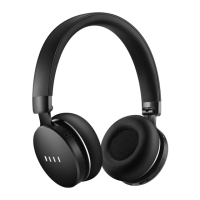
Please ensure the headphone is put on correctly and then say “Hello Fiil” to activate Fiil Voice
search.
The voice search can also be activated via MFB, please refer to Page6 for detail.
Voice Search (after being activated)
Please say the song you want to listen after three reminding tones heard.
For example: Bob Dylan’s Blowing in the Wind
Please use standard Mandarin/English to improve the accuracy of voice recognition.
Voice Search function is only avaliable when headphone is connected to il+ APP and the
mobile phone/PAD has internet access.
1
2
When Canviis Pro is connected with il+ APP and the mobile phone/PAD has
internet access, the user is able to use Voice Search function.
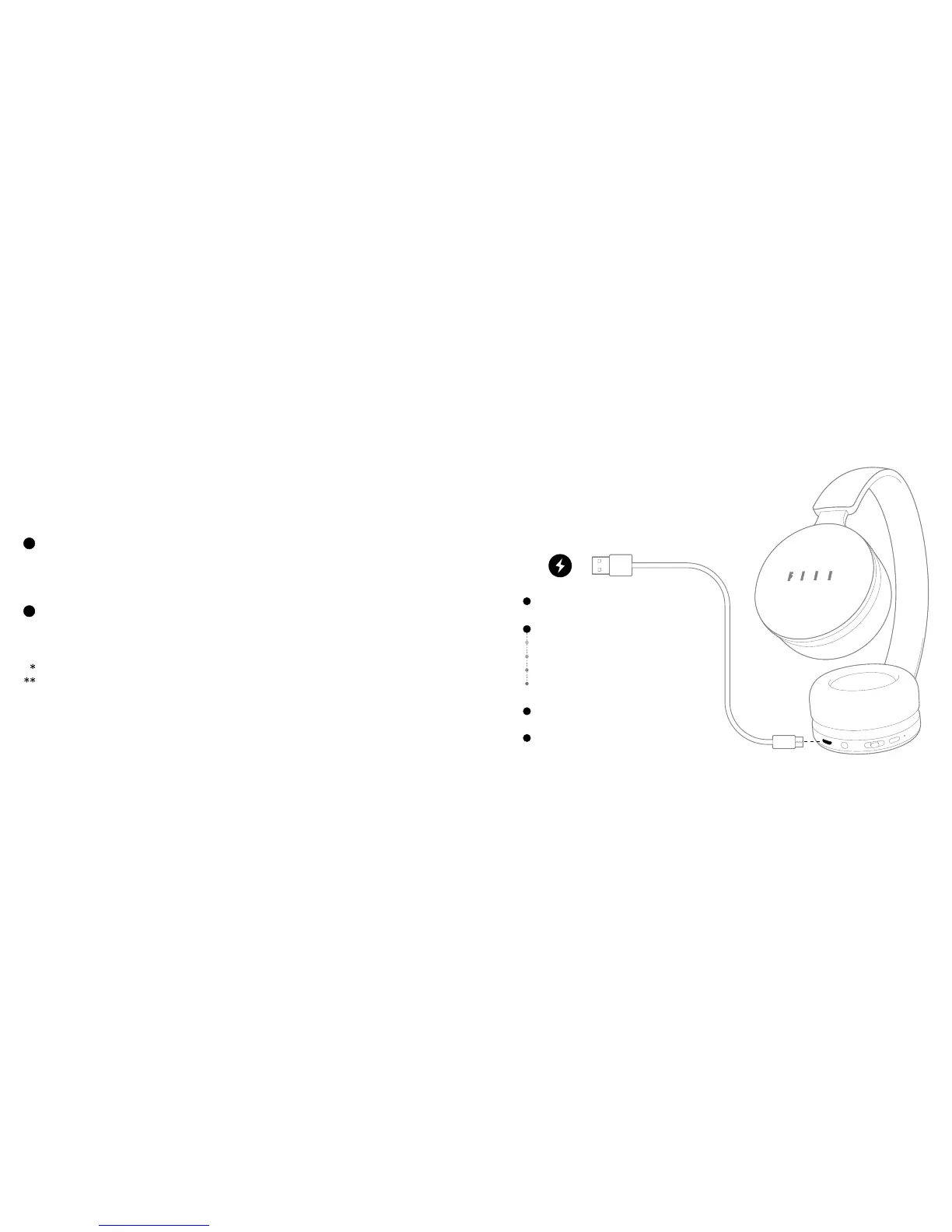
Battery Indicator
Plug in Charger to indicate battery level (goes
o when fully charged)
Short press the battery button to show
Green Light: >80% battery
Yellow Light: 20%~80% battery
Red Light: 10%~20% battery
Blinking Red: <10%
Use il + APP (Bluetooth connected) to check
remaining battery
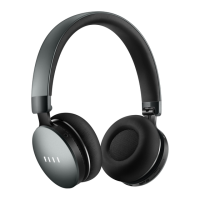
Canviis Pro supports passive wired mode.
Enjoy the music even when the battery runs
out!


 To Next Page