6
Bluetooth Pairing
Bluetooth Pairing
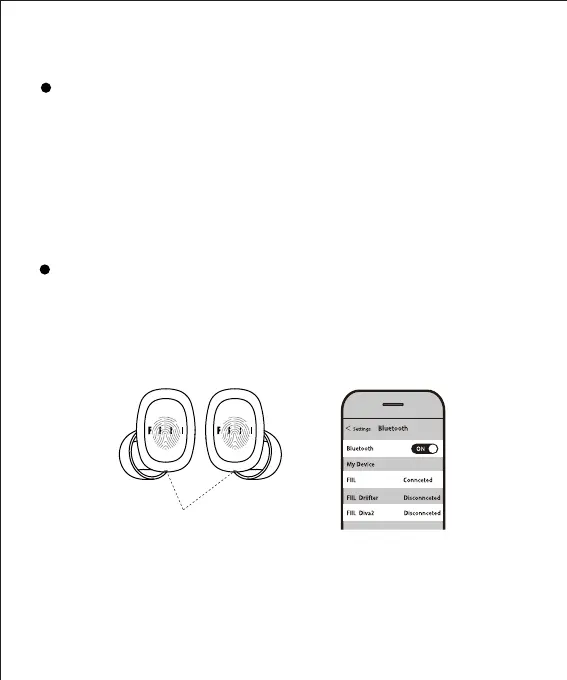
Search Connection
Blue LED flash
Enter setup menu of audio source devices, select “search device”
in “Bluetooth” then select “FIIL T1 Lite” in the device list to connect.
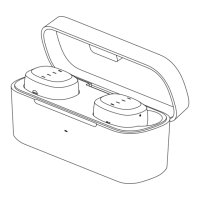
For first usage of brand new FIIL T1 Lite, please refer to page 5
“Get Started”, the earbud status indicator will continue to blink
blue once entered pairing mode.
For a paired FIIL T1 Lite , please delete its pairing history in the
device list or when the earbuds are turned off, press and hold
any one of earbuds until the LED indicator blinks blue.
T1 Lite


 To Next Page