7
Red LED on
Long press
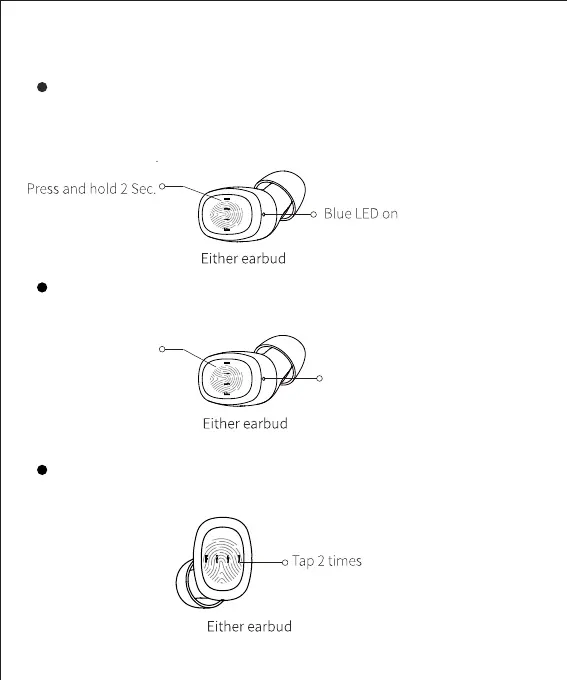
Power On
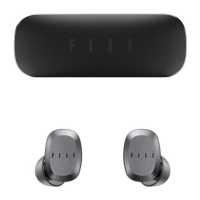
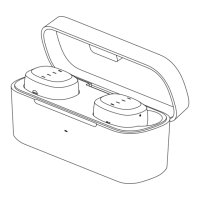
Take earbuds out of charging case, they will automatically power on and
reconnect cell phone, or you can press and hold earbuds for 2 seconds to
force power on, you will hear opening music and notice blue LED light on .
Touch Control
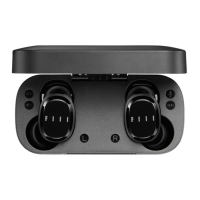
Put earbuds into charging case , they will automatically power off, or
you can press and hold earbuds until white LED on.
Power Off
Answer/End Call
When incoming call, tap any earbuds to answer call.


 To Next Page