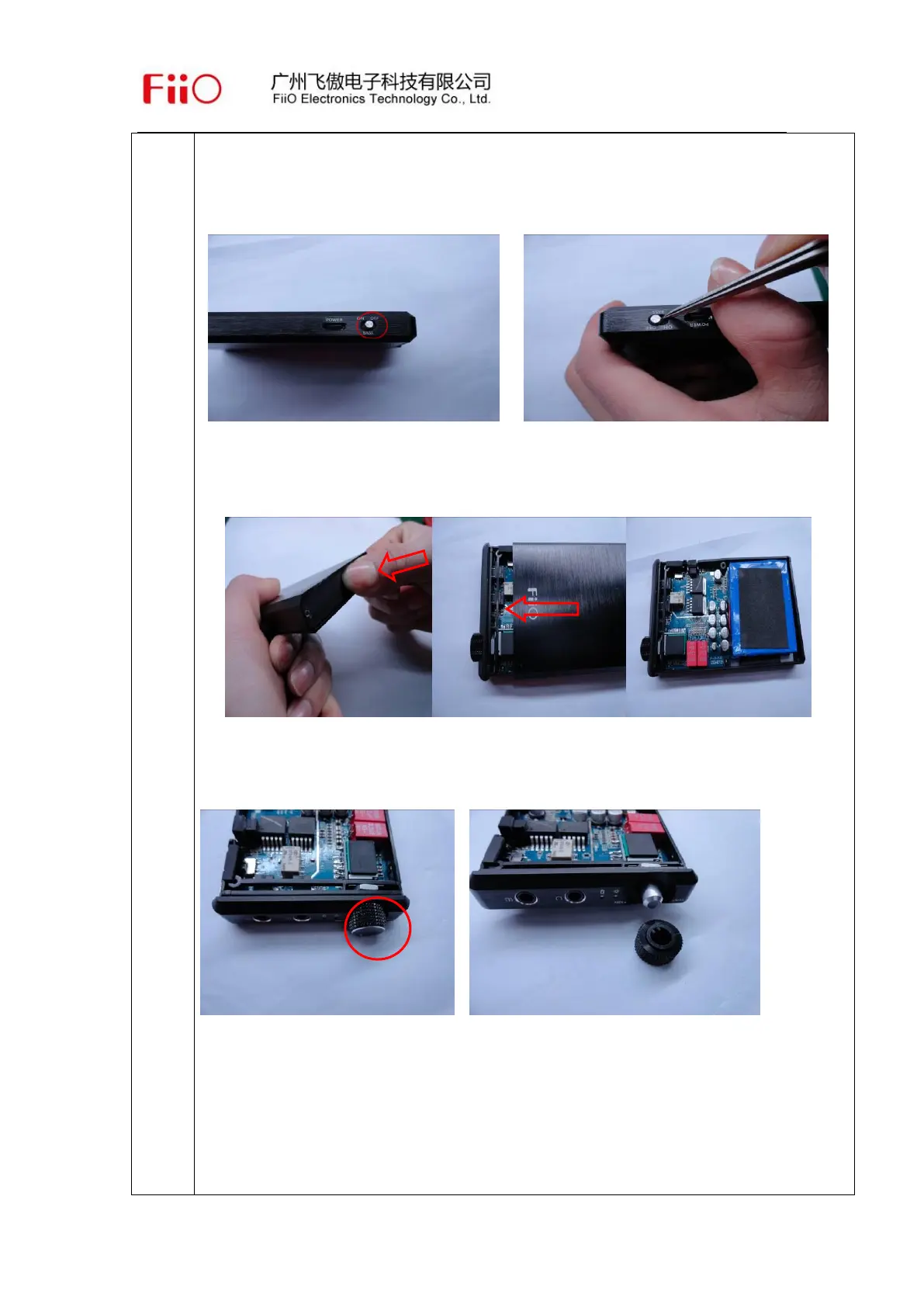
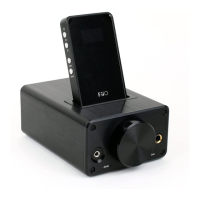
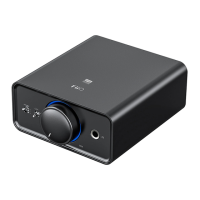
Take out two screws in backboard with a “+” shape screwdriver and then
open the back board, see above pictures.
2. Take off BASS button. Inserting into the bottom of aluminum button with
tweezers and then pray it out properly.
3. Push the stand of the main board inward properly, then take it out after
pushing off. See above pictures.
4. Pull out the potentiometer knob with your hand properly, see above pictures.


 To Next Page