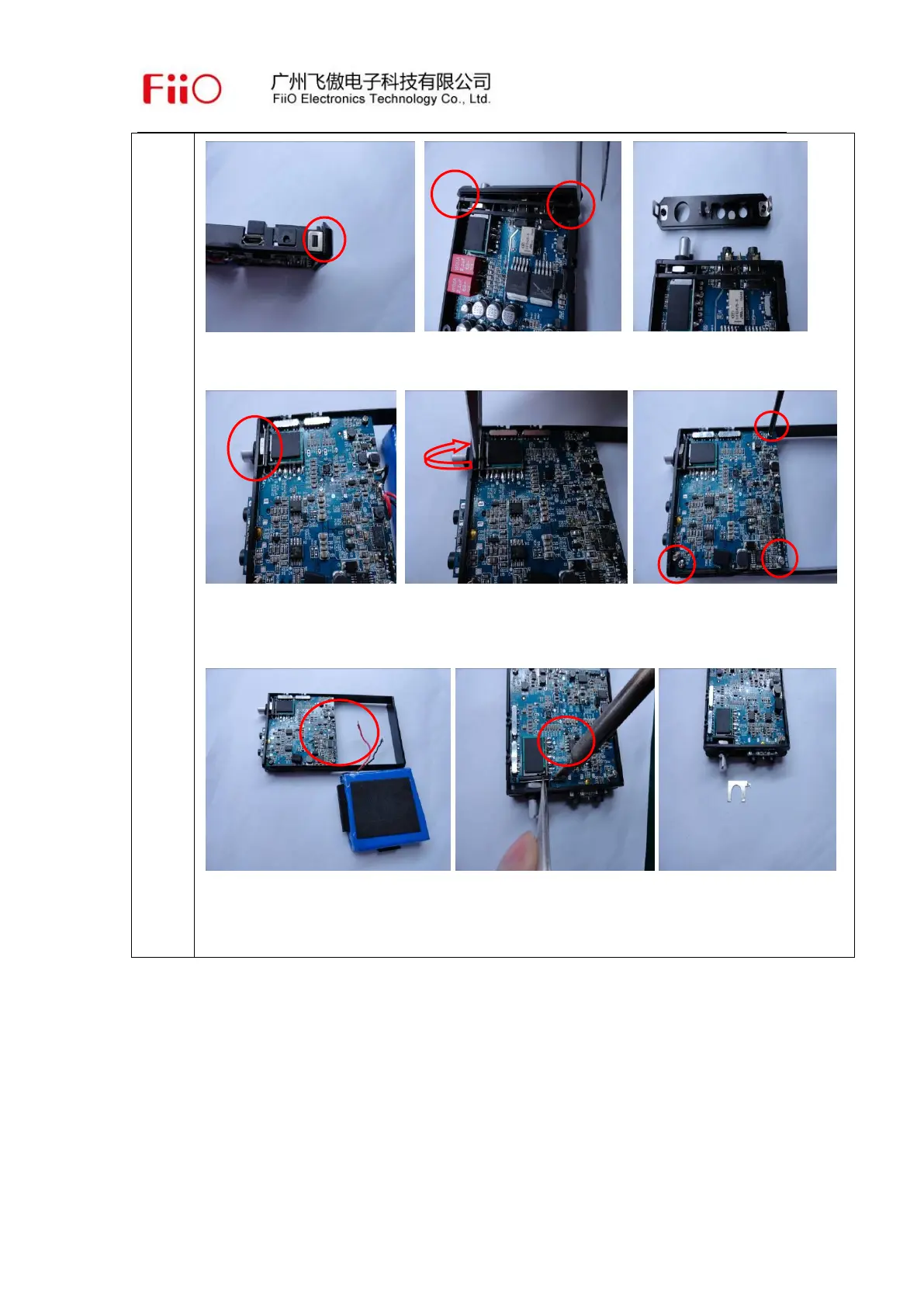
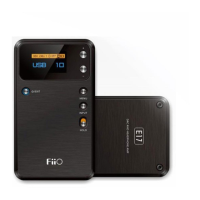
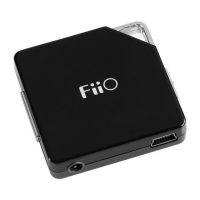
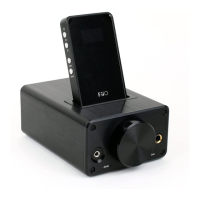
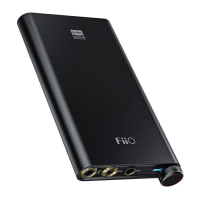
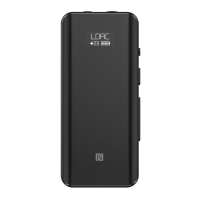
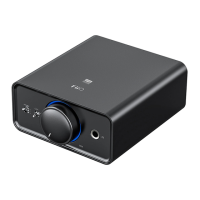
5. Use the tweezers to take left/right buckles out properly, see above pictures.
7. Wring out potentiometer nub with tweezers,and then wring out three screws of
the main board, please see above pictures.
8. Take out the battery with soldering iron, and then take out the hardware
chips ,see above pictures.


 To Next Page