17
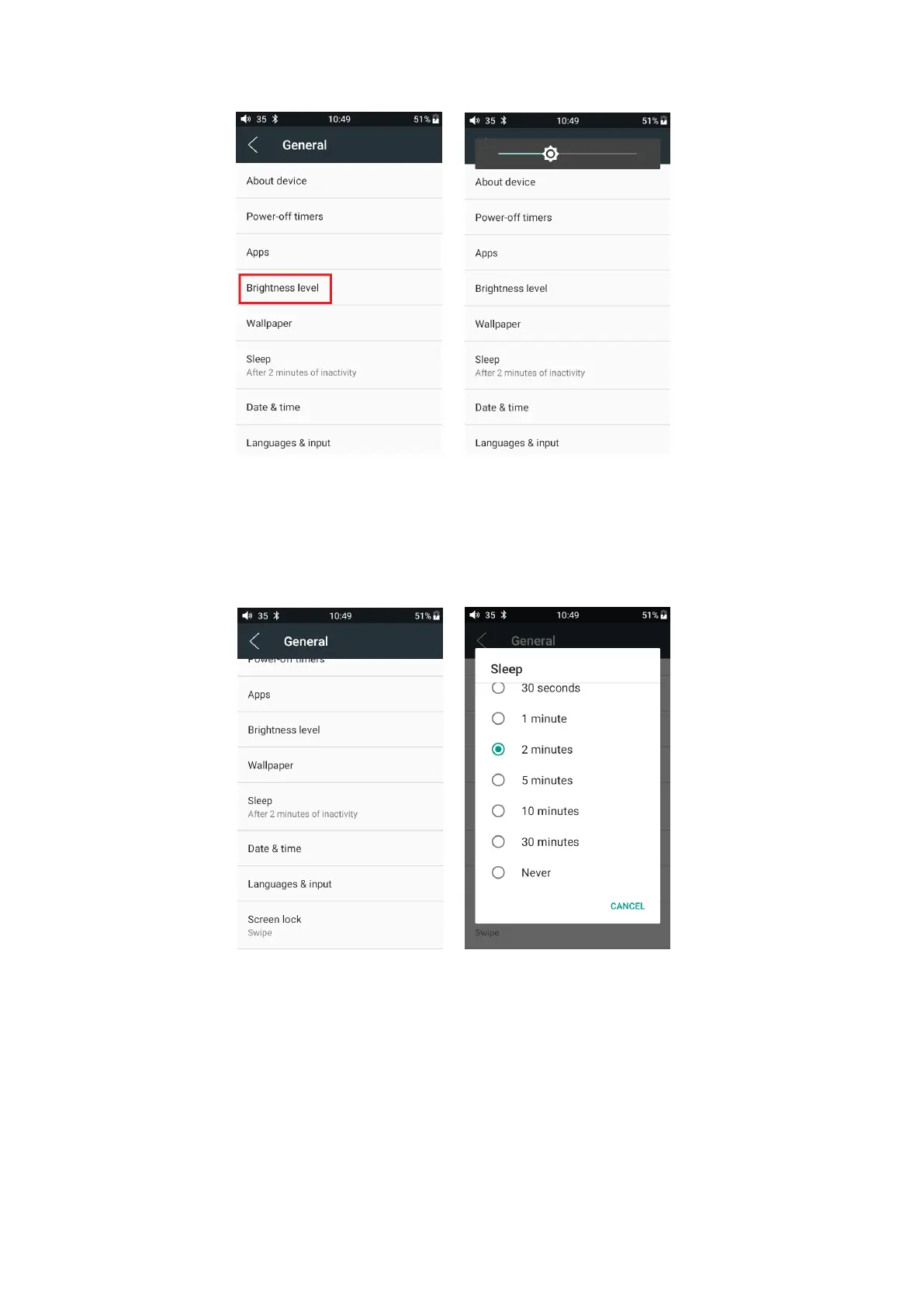
Sleep
Specify after how much time of inactivity (no button presses, screen touches or playing) M6
will enter sleep mode. In Sleep mode, M6 would have low power consumption. To short press the
Power button can wake up M6 from Sleep mode.
Language setting
1. “Settings”-“General”- “Language & input”, and “Languages” in sequence, which will bring
you to the “Language preference setting” interface.
2. Press “Add a language”
3. Select a language
4. After selecting the language, you should press the “=” icon on the right side of the target
language and drag the language to the head of the list. Switching language can only be completed



 To Next Page