8
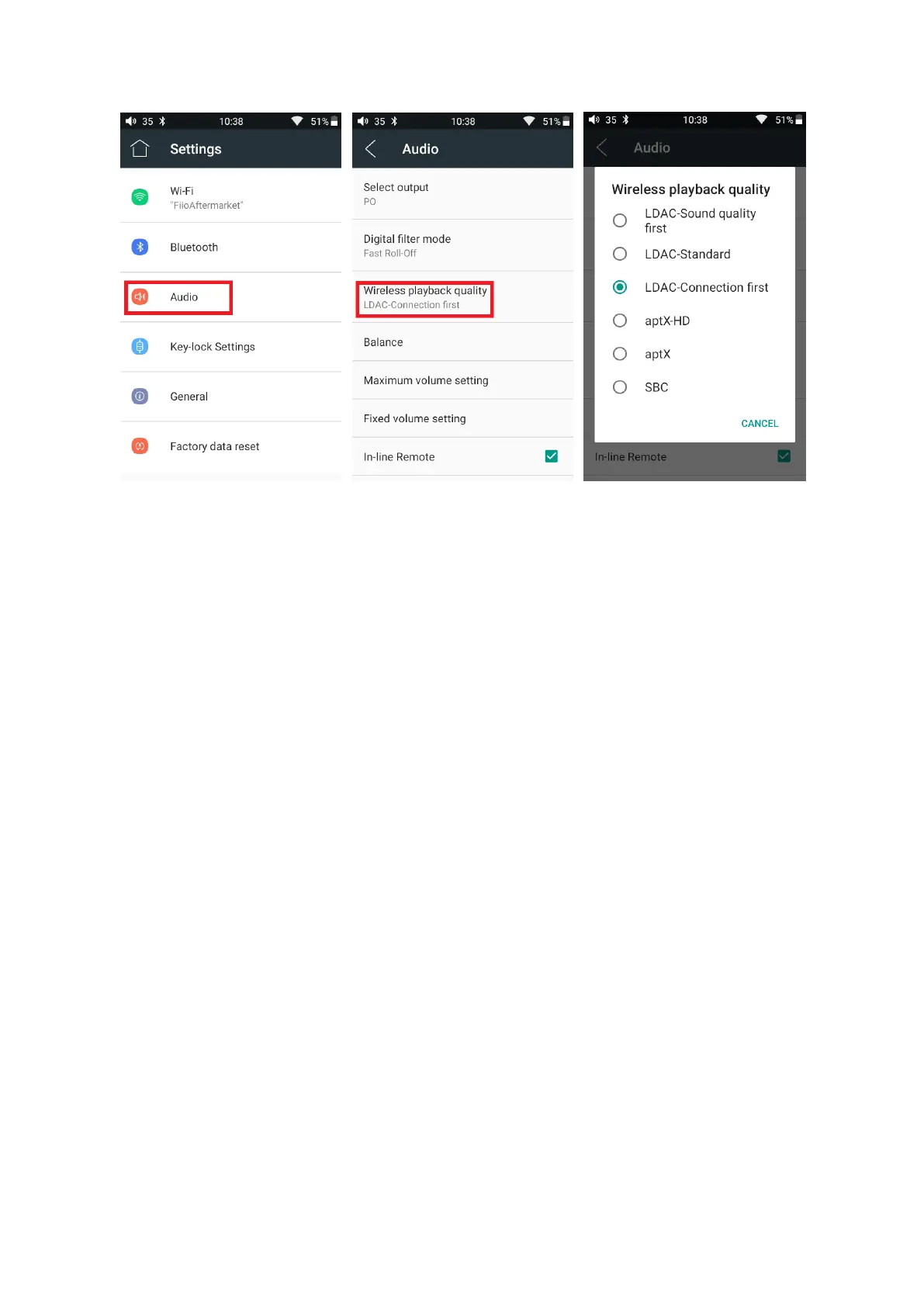
Note:
1. If you already connect with one Bluetooth device, it is necessary to disconnect the Bluetooth connection in
order to switch the Bluetooth audio code successfully before reconnecting with the Bluetooth device. (The
switching between the three modes of LDAC can work in real time.)
2. When you turn on the Bluetooth, M6 will automatically connect to the latest available device.
Bluetooth receiver
When M6 is connected to a new Bluetooth device (such as the mobile phone) as a Bluetooth receiver,
turn on the "Bluetooth decoding amp mode" in the Bluetooth settings interface, then the Bluetooth will turned
off automatically, turn on the Bluetooth again and you are in Bluetooth receive mode now! (It only supports
SBC and LDAC now, and it is required to upgrade to the latest firmware.)



 To Next Page