23
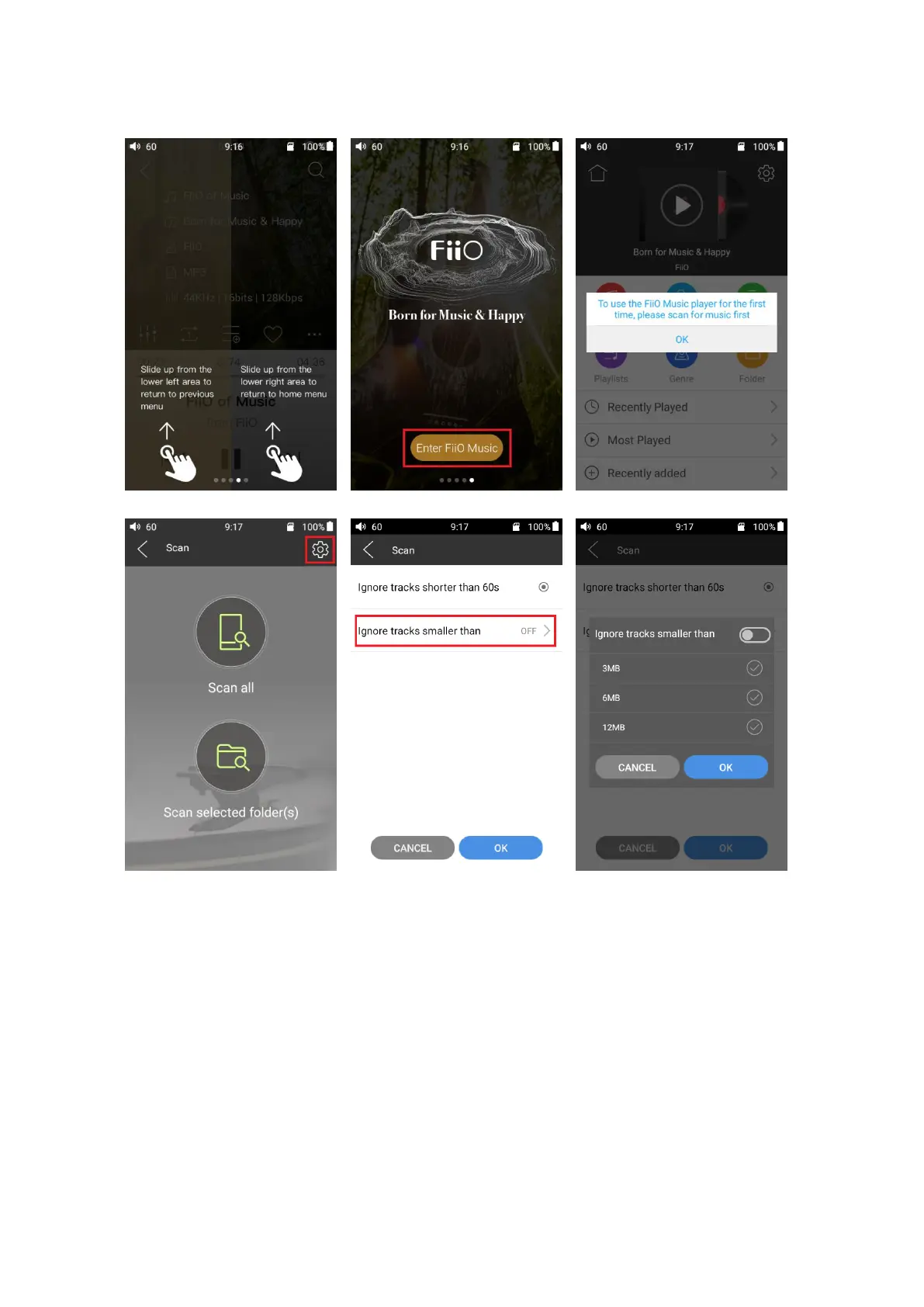
Settings: tap the icon to go to app settings options;
Return to desktop: tap the icon to return to main screen;
Playing page: tap the icon to jump to playing page;
Recently played: Lists your recently played songs according to the time it is played;
Most played: Lists your most popular songs according to playback frequency;
Recently added: Lists the tracks that are recently added to the library.



 To Next Page