27
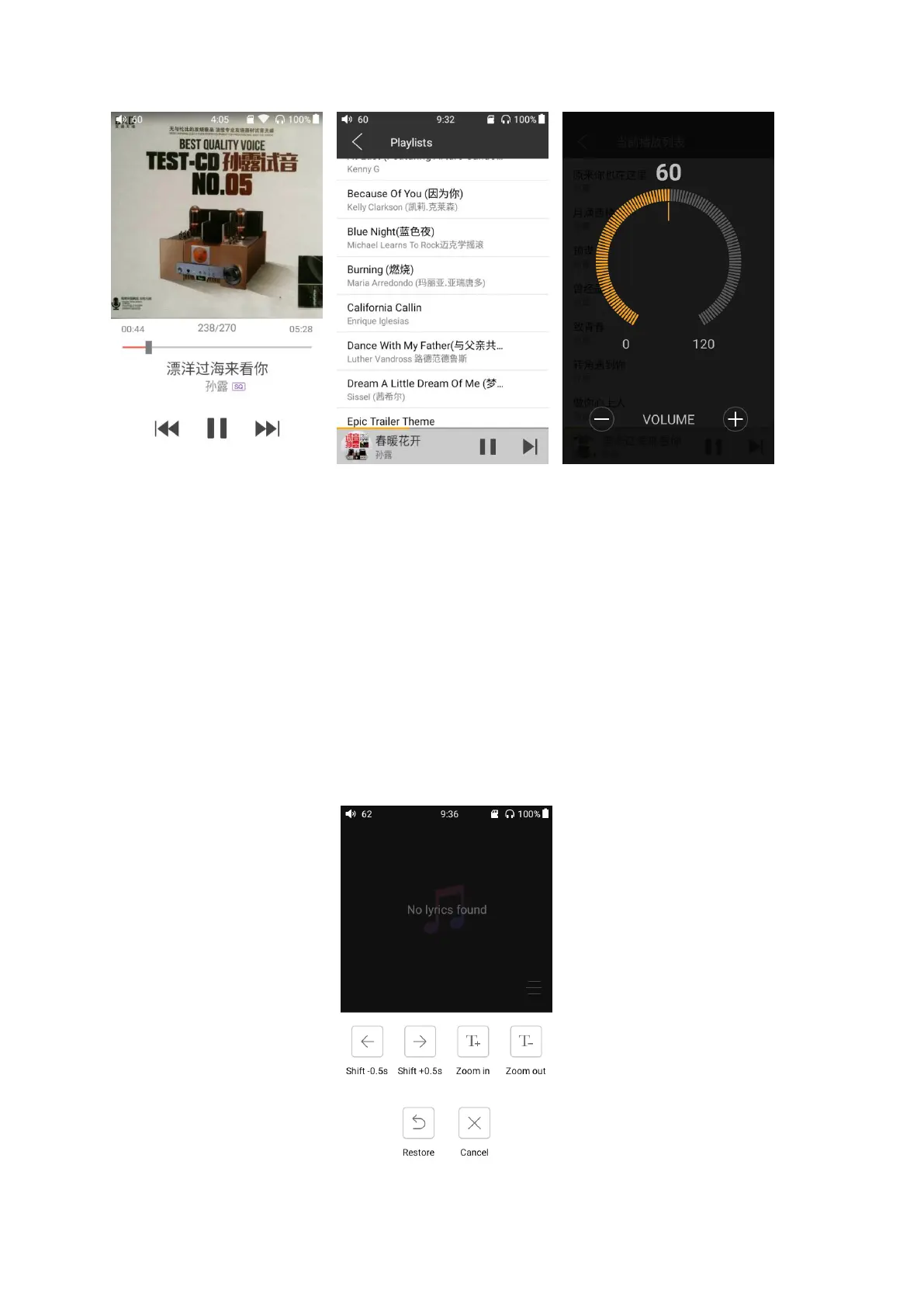
Switch displaying information: Click on the middle of the album cover to switch between displaying
the album cover, lyrics, ID3 info.
View playlist: slide in from left edge to view the current list of songs queued for play; tap any song
on the list to jump to that song;
Adjust volume: Scroll the volume knob to show a full screen volume pane, no operation for 2s or
click "Back" button, this pane will disappear;
Slide to fast forward/rewind: tap anywhere on the progress bar below the album cover area to fast
forward or rewind playing;
Note: While in the lyrics display page, you can adjust the playback progress by sliding over the
lyrics, adjust lyrics timeline or adjust font size.



 To Next Page