27
6. Tap buttons
The tap buttons from top to bottom on the playing screen:
1) Return: return to Original path
2) Search: Tap to show a full screen search pane for all songs on the M9. Searching for track
title, album name and artist name are supported. Recent searching history is saved;
3) Equalizer: tap to the equalizer settings;
4) Play mode: Tap to choose between Play All once, Loop Single, Shuffle and Loop All;
5) Add to playlist: Tap to show playlists screen, tap to add the present song to a playlist of your
choosing.
6) Add to Favorites: Tap to add the present track to the Favorites playlist;
7) More functions: Tap to view track info or delete the present track;
8) Previous track
9) Play / Pause: Tap to Play or Pause the present track
10) Next track
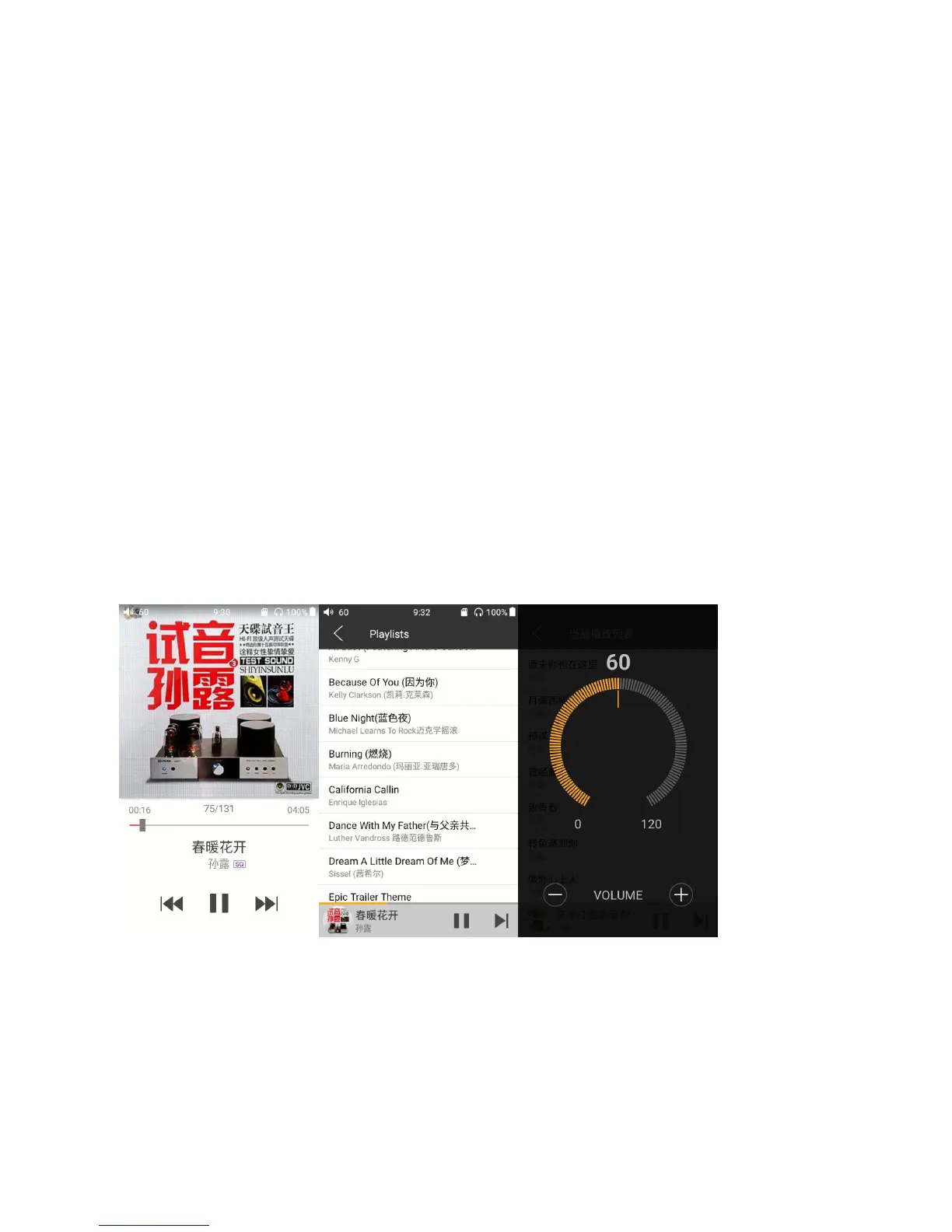
7. Gesture operations
Switch displaying information: Click on the middle of the album cover to switch between displaying
the album cover, lyrics, ID3 info.
View playlist: slide in from left edge to view the current list of songs queued for play; tap any song
on the list to jump to that song;
Adjust volume: Scroll the volume knob to show a full screen volume pane, no operation for 2s or
click "Back" button, this pane will disappear;


 To Next Page