22
you can hold POWER and PLAY buttons simultaneously to reboot the device.
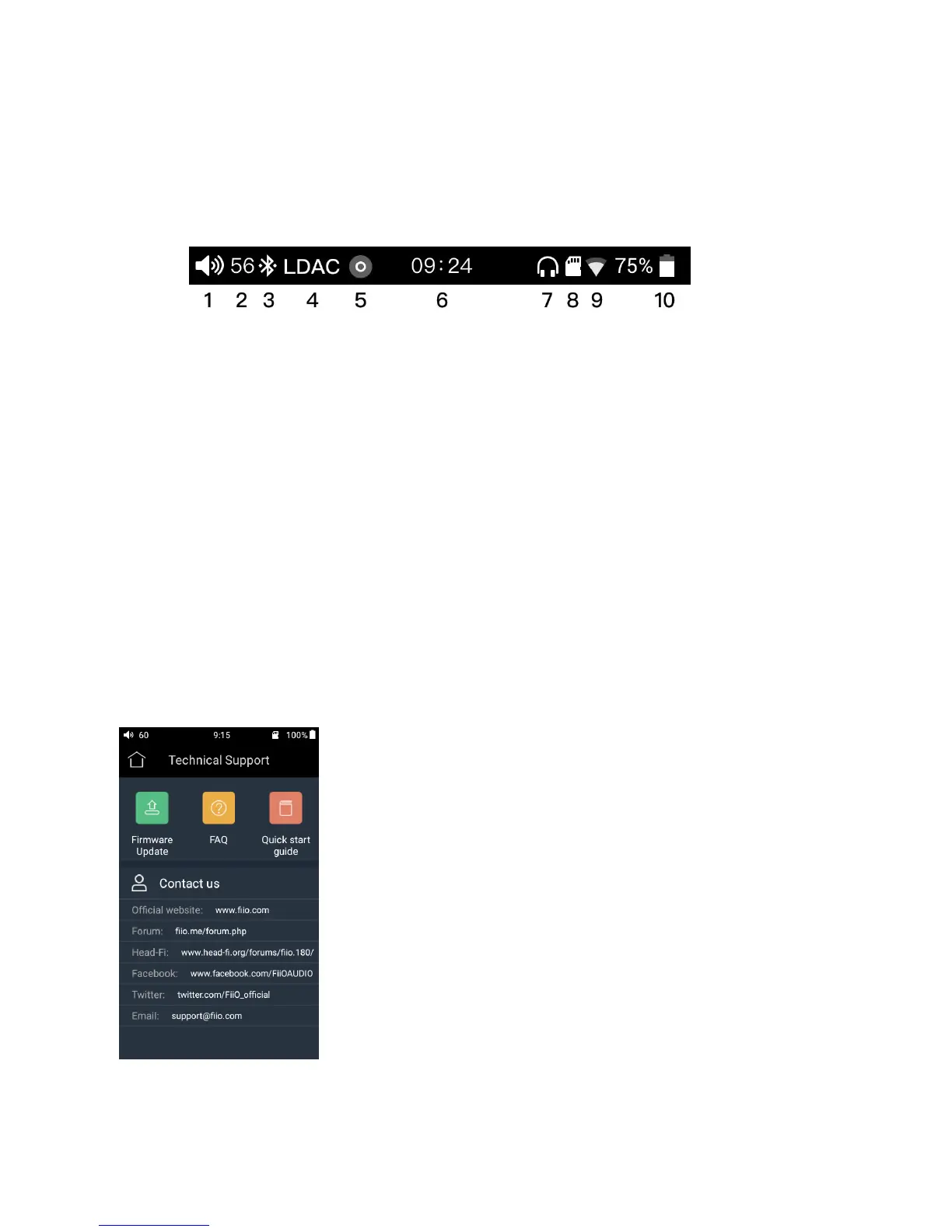
●Status bar
The status bar on top of the screen can indicate the working status.
●Technical Support
Tap the Technical support icon on the home screen to enter the technical support menu, where the
following options are provided:
Firmware update: you can choose the online upgrade or select a local package to update the M9’s
firmware;
FAQ: List the solutions for some FAQ;
Quick start guide: tap to view the quick start guide for the M9.


 To Next Page