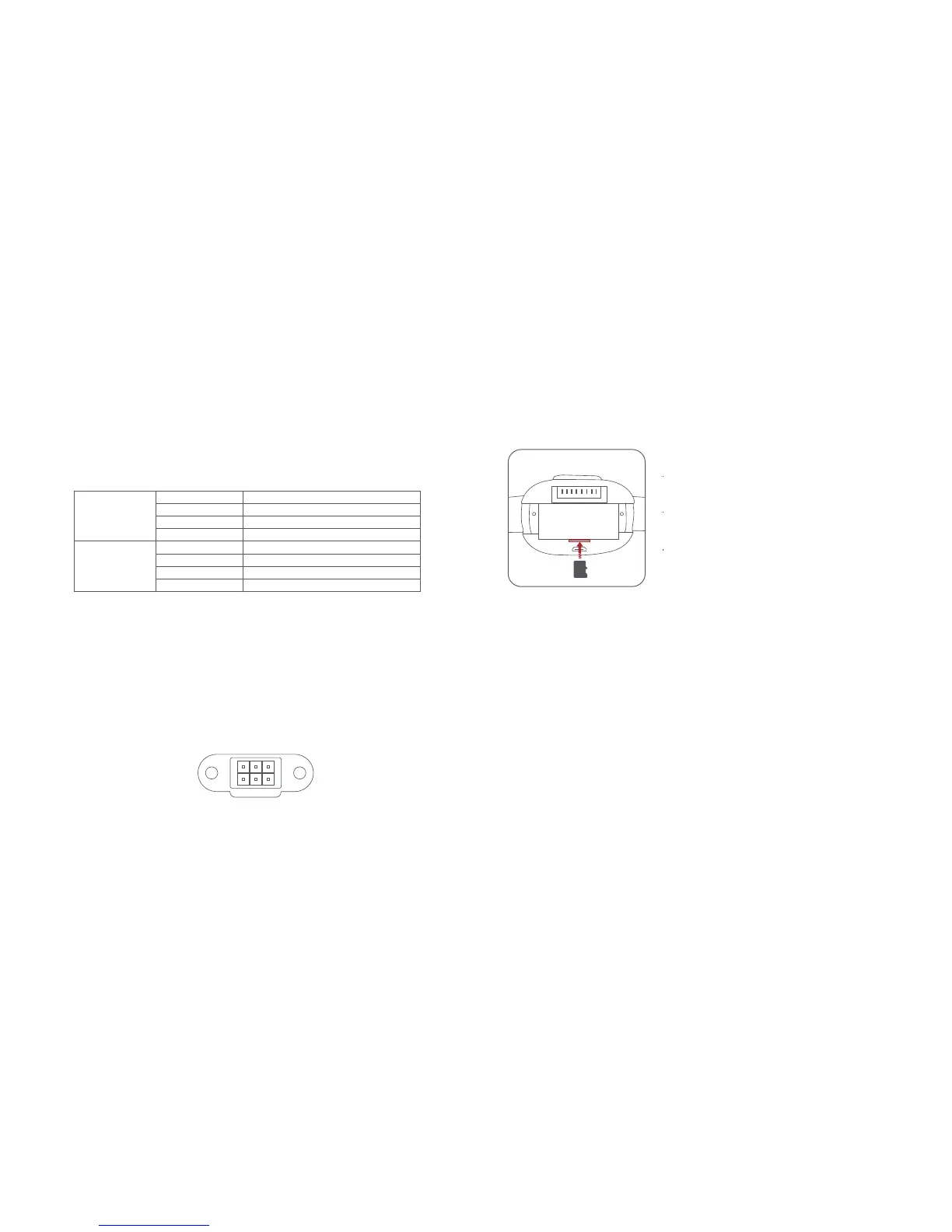
Installation and disassembly of aircraft TF card
Note: Users can export the aerial photography data through Micro USB interface.
Fixed-wing mode
When the aircraft is flying in the air, the user clicks the fixed wing mode on
the remote controller menu, and the aircraft will fly forward at a constant speed
and cannot fly backward. Press the return key and exit the fixed wing mode.
Users can freely control the speed and route of the aircraft through the stick,
and the specific functions are as follows.
Note: In fixed wing mode, the aircraft cannot fall back, so when the operating
stick decreases the speed to 0, the aircraft is hovering.
Left stick
Right stick
Push up
Pull down
Push up
Pull down
Turn left
Turn right
Turn left
Turn right
Nose dive
Climb up
Left turn
Right turn
Speed up
Speed down
Left turn
Right turn
DIY
The fuselage is reserved with 6pin standard protocol interface (UartTX,
UartRX, GPIO, PWM, VCC, GND), and the output voltage of the aircraft is
10v-12.6v. The remote controller is set with custom keys, through which
users can do smoke trailing, air delivery and lamp hanging by DIY.
RX
GND PWM
VCCTX
GPIO
When installing SD card to the aircraft,
please remove the battery first.
Insert the SD card with the literal upward
into the SD card slot.
When removing SD card, press the SD
card to pop out.



 To Next Page