Color Screen Multi-channel Weather Station User Manual
3. Press SET/CH to confirm the minute and skip to Alarm on/off setting.
Press TEMP./+ and BARO/- button to switch on/off the time ALARM.
4. Press SET/CH to skip to Ice ALARM on/off setting. Press TEMP./+ and
BARO/- button to switch on/off the low temperature ALARM(Refer to 4.5.2).
5. Returns to the normal display mode.
4.5.2 Low temperature ALARM
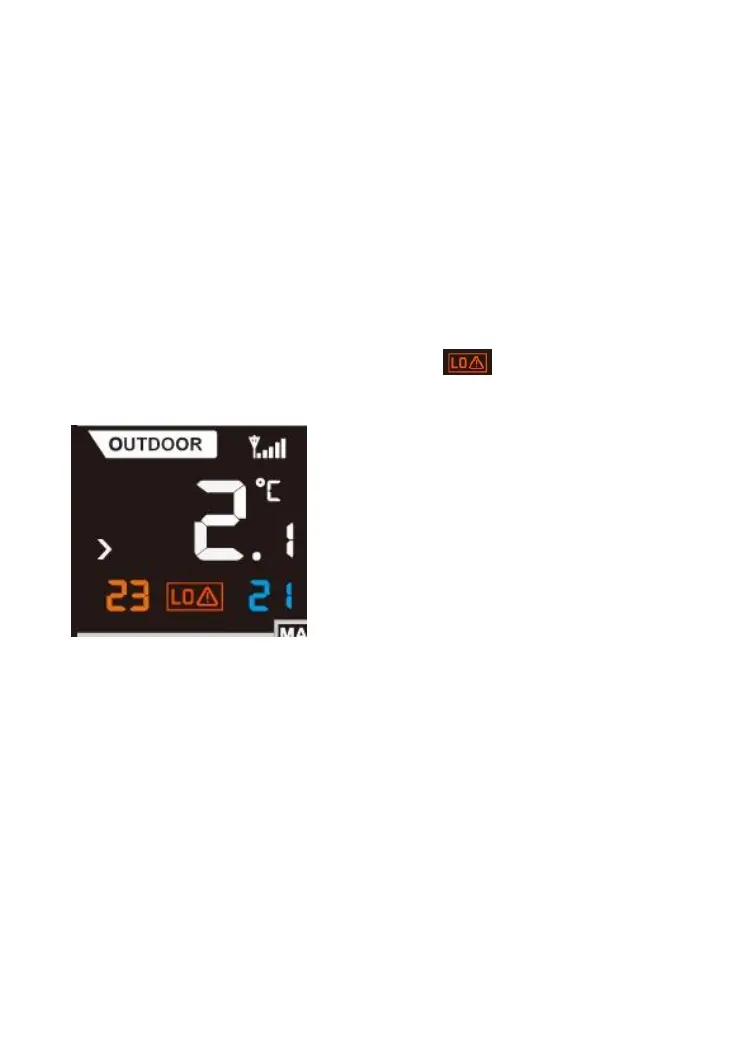
Low temperature ALARM is an ALARM happens when outdoor temperature
falls into (or goes up to) -3~2 c range. Once there is outdoor temperature of
any sensor falls into this temperature range, the low temperature alarm
would be triggered. The LO temperature icon will appear and flash
on the console. If the BEEP is switched on, a sound ALARM would be also
activated when Low temperature ALARM occurs.
4.5.3 Cancelling the ALARM
When time ALARM or Low temperature ALARM is triggered, press any key
to close the sound alarm. During time ALARM, press LIGHT/SNOOZE key
The Low temperature ALARM will reset automatically once the value has
fallen into the Low temperature ALARM range.
4.6 Calibration Mode
While in normal node, press and hold the SET/CH and BARO./- buttons 5
seconds to enter calibration mode(note: the SET mode will appear after
three seconds. Continue pressing the two keys until you see the CAL icon



 To Next Page