Color Screen Multi-channel Weather Station User Manual
4. Channel Number: the weather station support up to three sensors. To
set each channel number, slide the button to according number.
5. Temperature unit of Measure: To change the sensor display units of
measure (°For °C),Press the round button C/F.
6. Insert two AA batteries
7. Wait for seconds until temperature and humidity displayed on the LCD
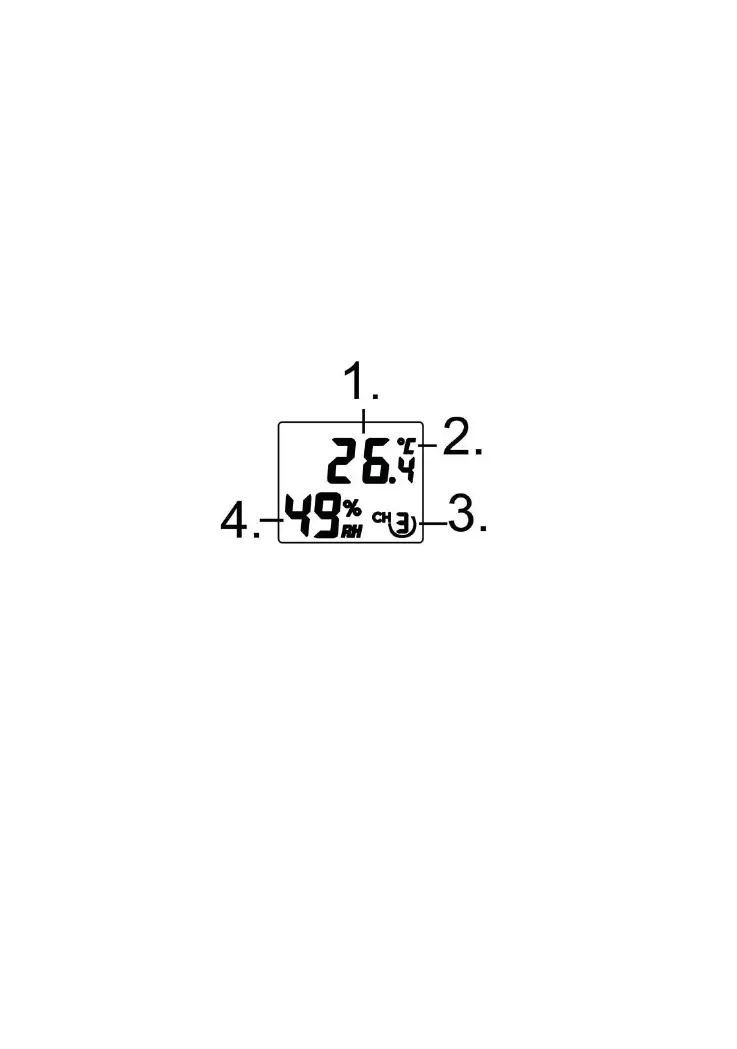
8. Verify the correct channel number (CH) and temperature units of
measure are on the display, as shown in Figure 5.
Figure 5
(2) Temperature units ((°F or °C)
9. Close the battery door.
10. Repeat for the additional remote sensor, verifying each remote is on a
3.3 Sensor Operation Verification
Verify the humidity sensors match closely with all of the sensors in the same
location (about 2 to 3m apart). The sensors should agree within 10% (the
accuracy is ± 5%). Allow about 30 minutes for all sensors to stabilize. The
humidity can be adjusted or calibrated later to match each other a known



 To Next Page