© 2021 Verizon. All rights reserved.
SI ETHERNET VMS
01-21
Need help?
For installation help, answers to common Fios questions and more:
Use the My Fios app
Go online to verizon.com/support
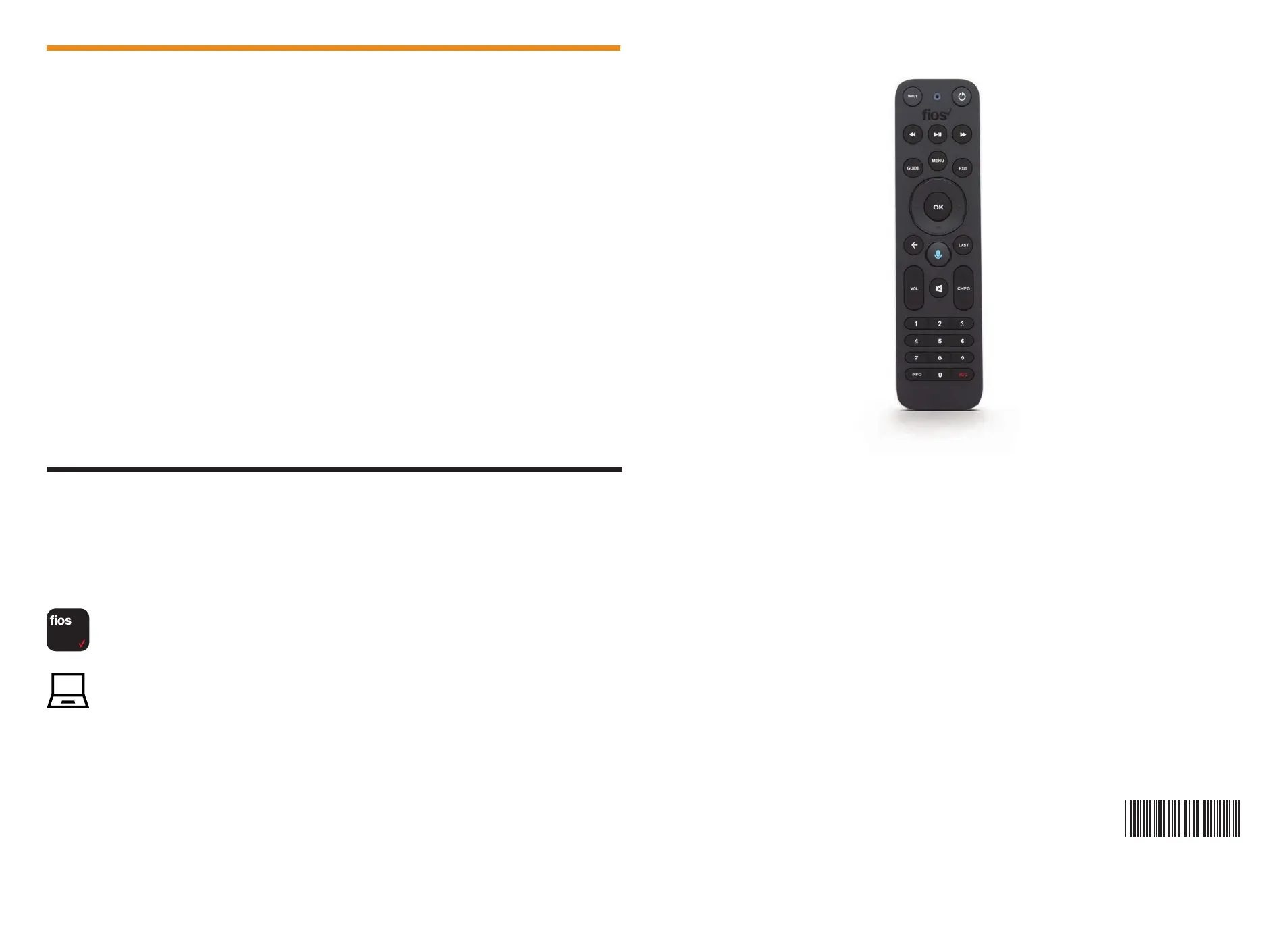
Fios TV Voice Remote
Give voice control a try.
After activation, use the voice feature on your Fios TV Voice Remote to
quickly and easily control your TV. Hold the remote about 12” from your face
and press the mic button. Speak normally as you say commands such as
“Tune to CNN” or “Show me comedy movies.”
For more information about Fios TV Voice Remote features, visit
verizon.com/voiceremote



 To Previous Page