6
Headset Microphone Volume & Noise Gate Threshold Adjustment Procedure:
1. With the headset power off, hold down the PTT button.
2. Turn power on to the headset, release the PTT button within 3 seconds after the red LED
turns off; the red LED will flash 3 consecutive times to indicate microphone adjustment
mode is active.
3. Wait until the headset connects to its host base station.
4. Press the PTT button momentarily then release; the number of times the red LED flashes
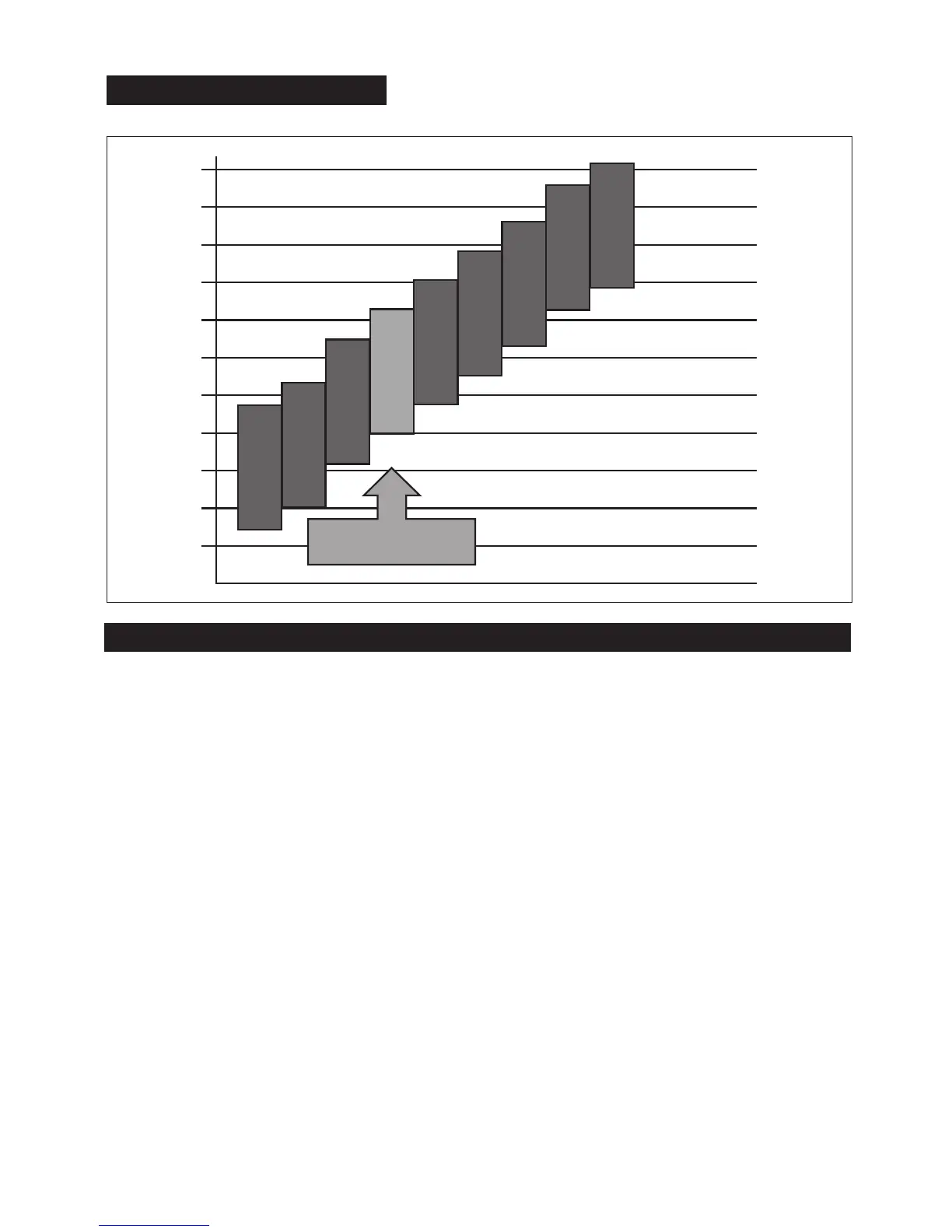
indicates the level of microphone volume and Noise Gate Threshold settings combination.
The higher the number of flashes, the lower the microphone volume and the higher the
Noise Gate Threshold. There are nine settings available depending on the average ambient
noise levels as indicated in the graph above.
5. To test the selected setting, without exiting microphone adjustment mode, turn power off
momentarily (a few seconds) to the headset, then turn it back on.
6. Test the microphone to see if you have chosen the desired microphone sensitivity / Noise
Gate Threshold combination. If not, repeat steps 4-6.
7. To save the desired setting and exit adjustment mode, turn headset power off, wait until
the headset disconnects from the base station.
8. Turn headset power on without holding the PTT button, the headset will enter normal
operating mode and connect to the base station.


 To Next Page