7
®
HISTORICAL INFORMATION /SYSTEM SUB-MENUS
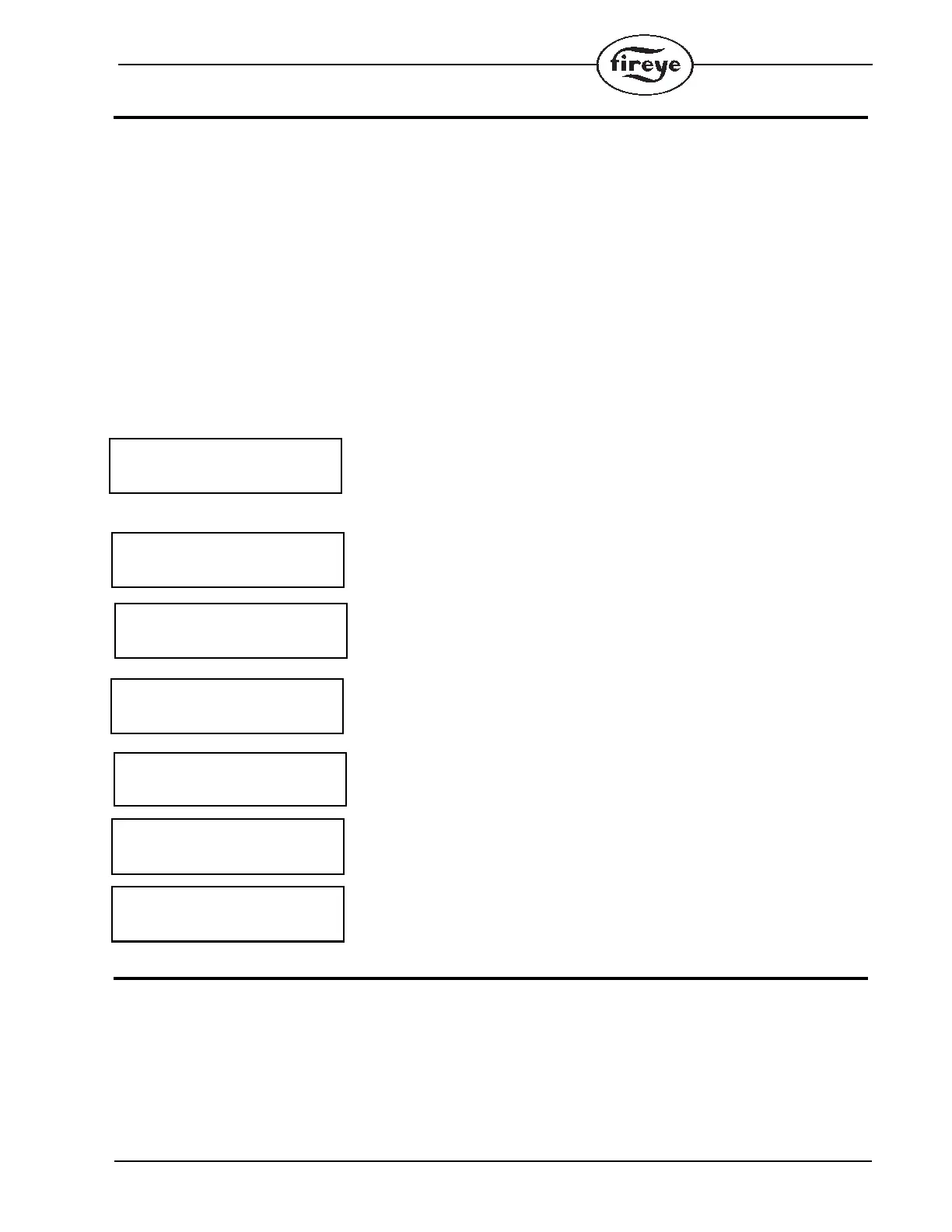
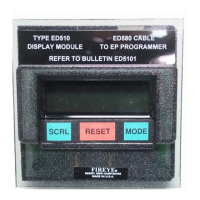
At any time the control is powered, the SCRL key will scroll through and display the total number of
burner cycles, burner lockouts, and system hours on the bottom line of the ED510 display. The top
line will continue to show the current run mode of the control (e.g. PURGE, AUTO, etc.). Following
the historical information, the SCRL key will display four (4) System Sub-menus providing the fol-
lowing information and/or functions:
— Lockout History (with burner cycle and burner hour time stamp).
— E300 Message Select (to program messages associated with the E300 Expansion Module.
— Program Setup (to display programmer type, purge timing, FFRT timing, etc.).
— System Information (status of M-D circuit, average pilot flame signal, etc.).
The system sub-menus require the MODE key to gain access to the information associated with each
sub-menu. An arrow is displayed in the lower right hand corner of the display to indicate a system
sub-menu. The order in which the information is displayed every time the SCRL key is pressed is as
follows:
Number of burner operating cycles. (L1-13 closed). (385 burner cycles in this
example.)
Number of burner lockouts. (21 lockouts in this example.)
Number of hours the control has been powered. (233 hours in this example.)
Sub-menu to display the cause of the last 6 lockouts. The MODE key is required to
display the actual lockouts.
Sub-menu to program the messages associated with the operation of the E300
expansion module. The MODE key is required to enter the sub-menu.
Sub-menu to display various operating parameters of the programmer and ampli-
fier. The MODE key is required to enter the sub-menu.
Sub-menu to display information pertaining to the operation of the control. The
MODE key is required to enter the sub-menu.
LOCKOUT HISTORY
The sub-menu “LOCKOUT HISTORY” will display the last six (6) lockouts, along with the burner
cycle and burner hour when the lockout occurred. When the MODE key is pressed, the screen will
display the most recent lockout condition and the number of that lockout (e.g. LO #127 represents
the 127th lockout of that control). The SCRL key will display the Burner Hour, followed by the


 To Next Page