Operating Menus
Model HS-4700-S User's Manual
26
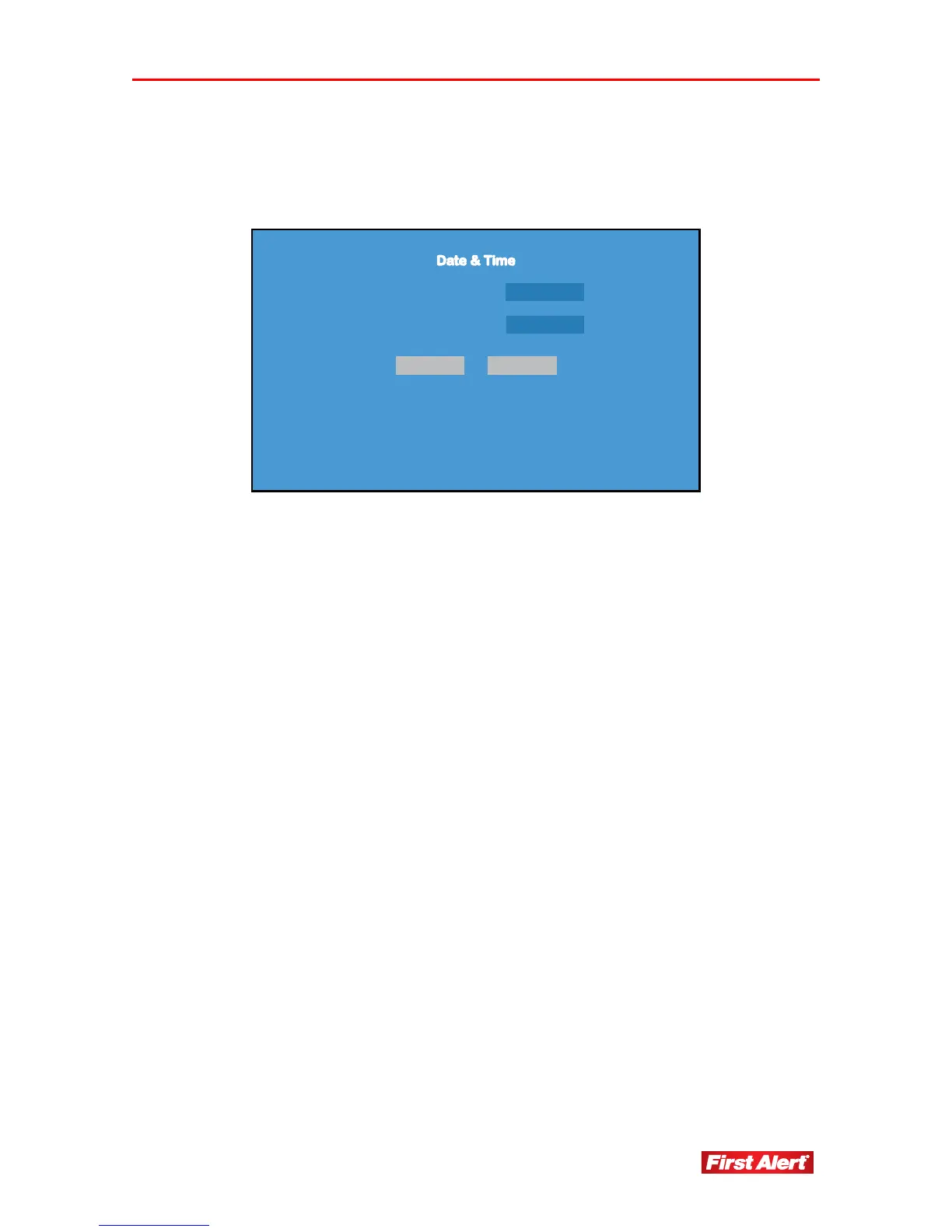
DATE & TIME
Access the Date & Time menu from the System Menu. Use this menu to change system
date and time settings.
Date 01-01-2010
Time 01 : 01 : 01
OK CANCEL
Date System date format: year-month-date.
Time System time format: hour-minute-second.
OK Click to save system setup options and return to
Main Menu.
CANCEL Click to keep existing system setup options and
return to Main Menu.
Note: Time can not be changed when the DVR is recording. Quit the recording before
changing the time.


 To Next Page