Getting to Know Your System
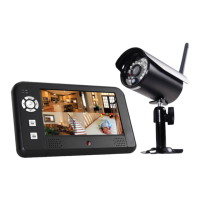
Model HS-4700-S User's Manual
5
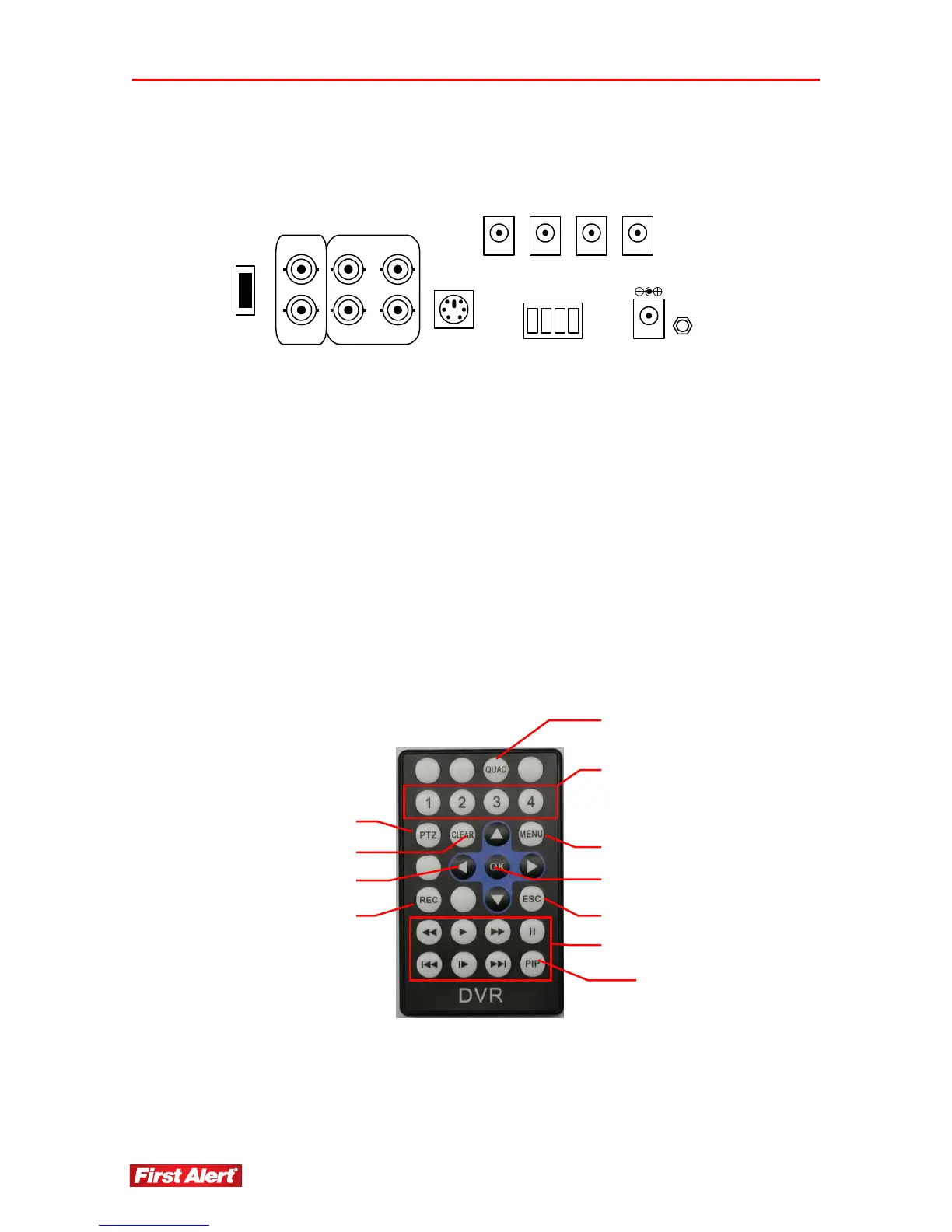
REAR PANEL INTERFACE
VOUT-1 VIN-2
VIN-1
VIN-4
VIN-3VOUT-2
PS2
DC1 DC3DC2 DC4
DC12V
GND
DC
OUT
485R-
485T+
485T-
485R+
U
S
B
P
C
USB PC USB connection to PC
PS2 Serial port to PC for mouse
485T / 485R PTZ connector*
VOUT1, 2 Video output connector
VIN-1, 2, 3, 4 Camera video input
DC1, 2, 3, 4 DC 12V output power for cameras
DC 12V DC input power to DVR system
ABOUT THE REMOTE CONTROL
quad-screen select
camera select (1–4)
PTZ menu select*
clea
record
escape
menu select
video play controls
enter (select)
arrow select buttons (4)
picture-in-picture (separate from video play)
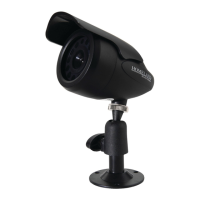
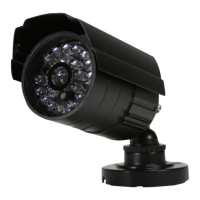
* Cameras supplied with HS-4700-S system are not equipped with PTZ feature.


 To Next Page