paystri.com | Paystri Support: 978-744-9090
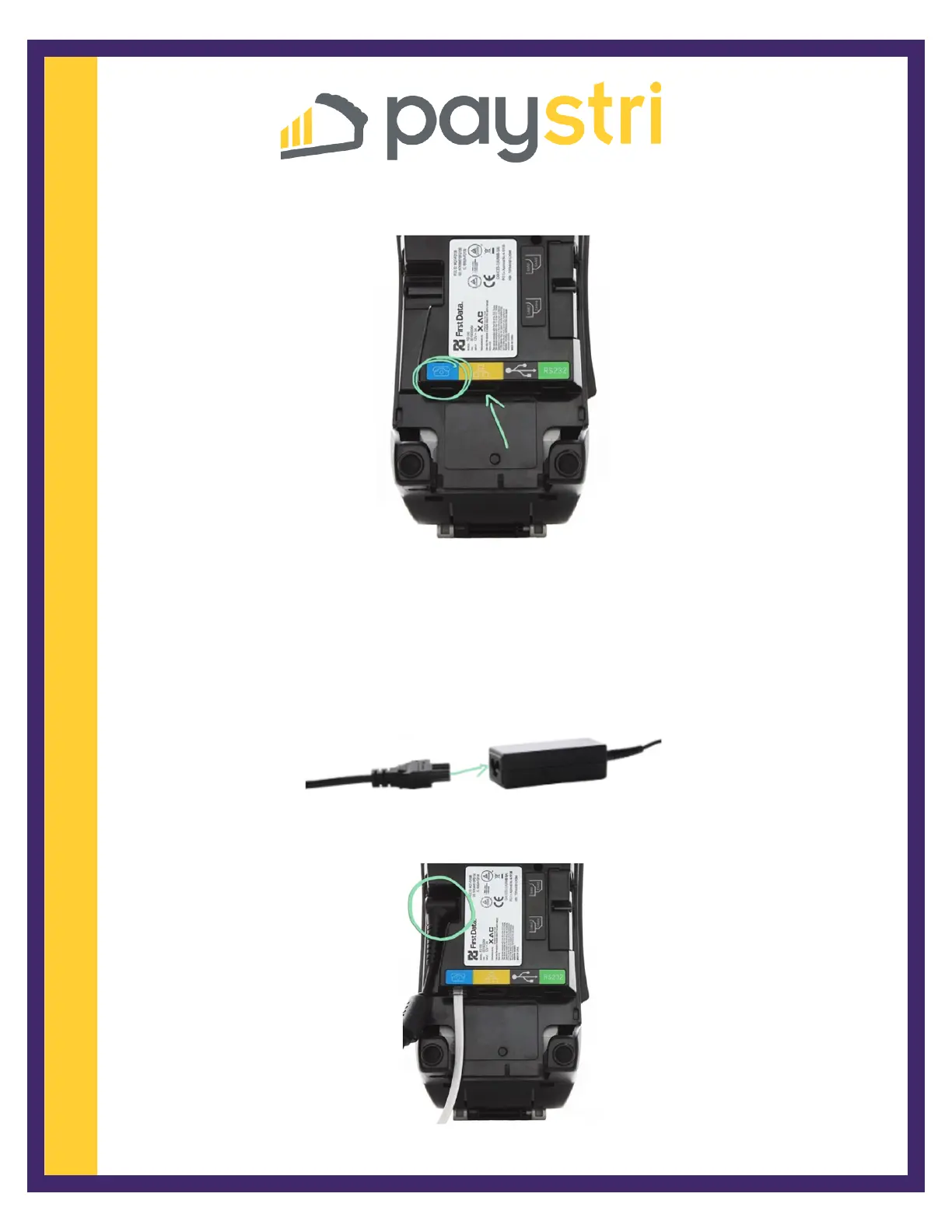
2. Plug an ethernet cable into the yellow port and / or a phone cable into the blue port.
3. Plug the other end of the ethernet cable into an open port on the router or modem.
If using a telephone line, connect the other end of the phone cable into a wall jack
preferably not being shared with another device.
4. Connect the two parts of the power cable.
5. Plug the power cable into the power adapter port on the side and
replace the back cover.



 To Next Page