paystri.com | Paystri Support: 978-744-9090
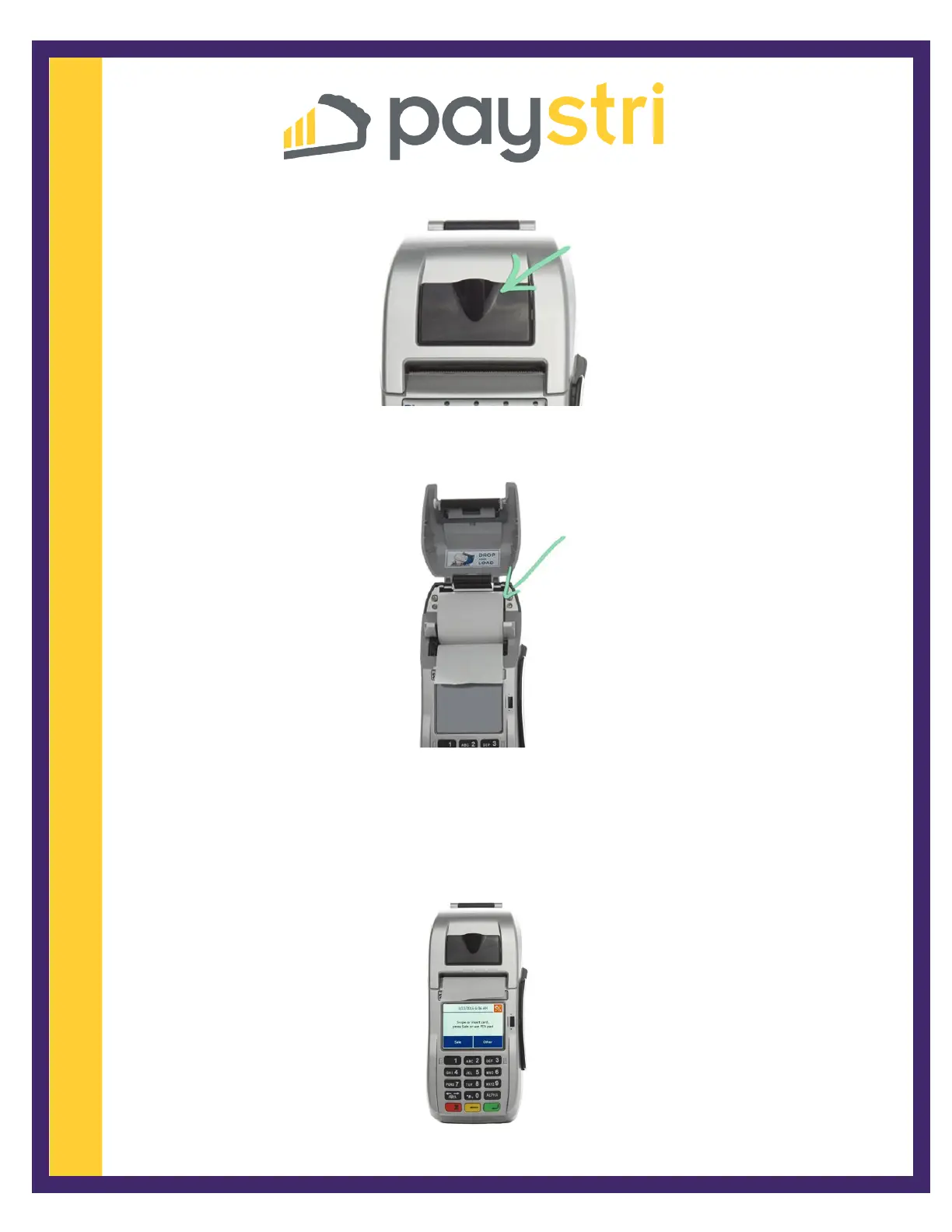
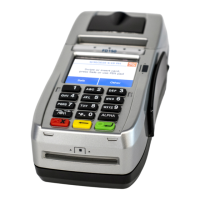
6. Lift the hatch to open the paper tray.
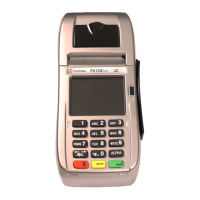
7. Drop the paper into the printer tray with the leading edge feeding down from the
bottom of the roll.
8. With the end of the paper sticking out, close the lid on the paper.
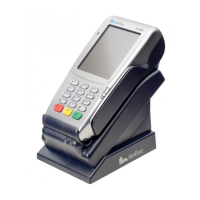
9. Plug the power cord into a power outlet and the terminal will automatically
turn itself on. The terminal is ready to process transactions when the screen
displays SWIPE OR INSERT CARD.


 To Previous Page