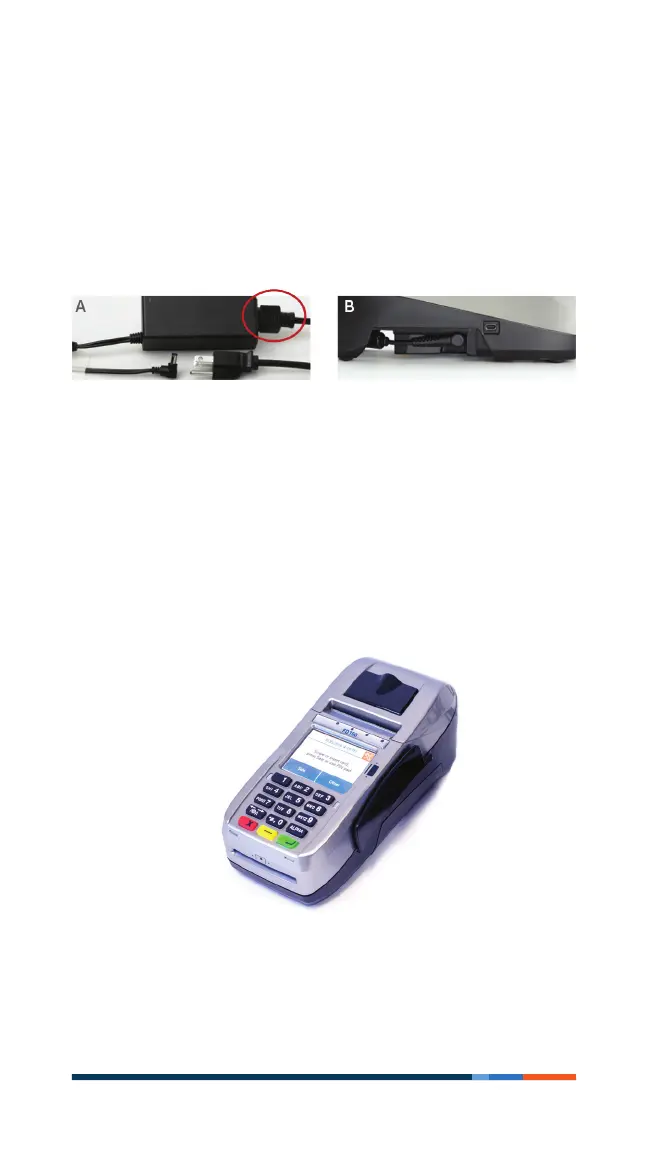
5First Data FD150 terminal
Plug in the power
Before using the power supply, please connect all peripherals
to the terminal. Not doing so may result in damage to the
unit or connected devices.
Connect the power cord to the power supply via the three-prong
end and receiver.
Find the power input on the right side of the terminal. Connect
the single-pole AC adapter plug to the power input at the right
side of the terminal. Turn the plug so that cord is directed
toward the back of the terminal.
The power supply should be the last item connected to the unit.
Plug the adapter into a surge protector (strongly recommended)
or a standard 120V electrical outlet.



 To Next Page