7First Data FD150 terminal
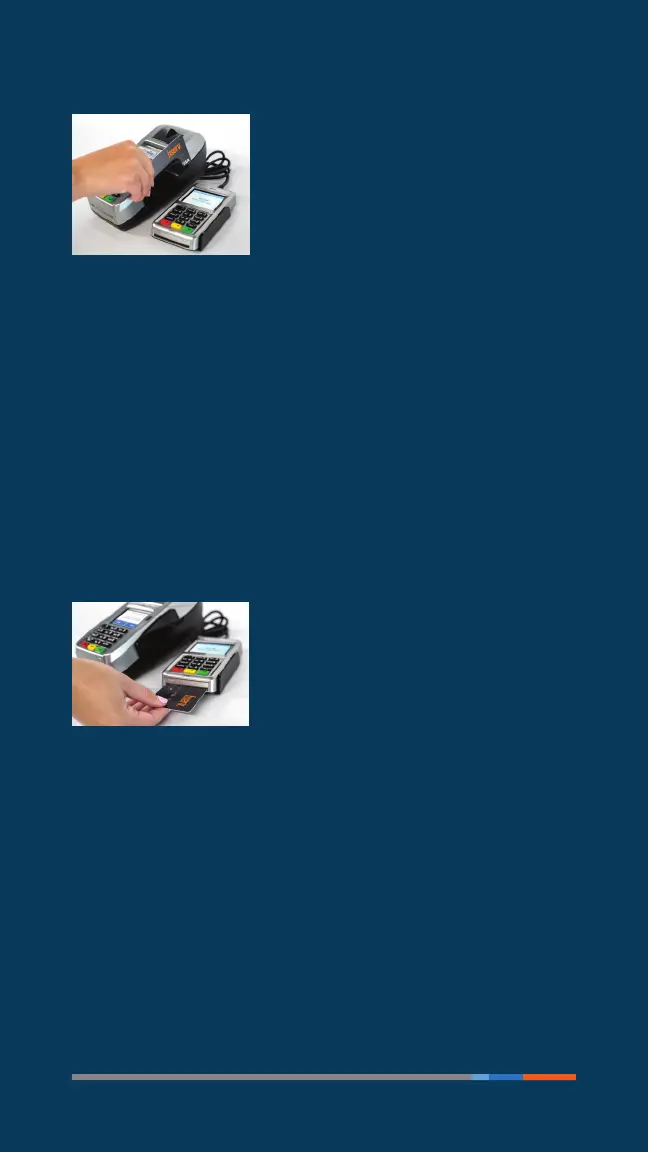
Using the magnetic stripe reader
With the idle message displayed, select
the desired transaction type. Insert the
card into the card reader slot, with the
magnetic stripe lying in the slot and
facing the terminal.
Slide the card in either direction through the slot
withoutstopping.
If the card swipe fails, check the position of the magnetic
stripe and slide the card again. If failure persists, the card’s
stripe may be damaged and user will have to manually enter
the account number on the keypad.
Follow remaining prompts on the display to complete the
transaction. Refer to quick reference guide for details.
Using the chip card reader
(Optional: Smart card capability must
be enabled. Contact your sales or
customer service representative.)
Find the card reader slot at the front
of the FD150 and insert the card
completely so the microprocessor chip is no longer visible
and the front of the card is facing up. The card must remain
inserted throughout the entire transaction.
7First Data FD150 terminal



 To Next Page