9 Optional transaction features
9.3 TIP processing
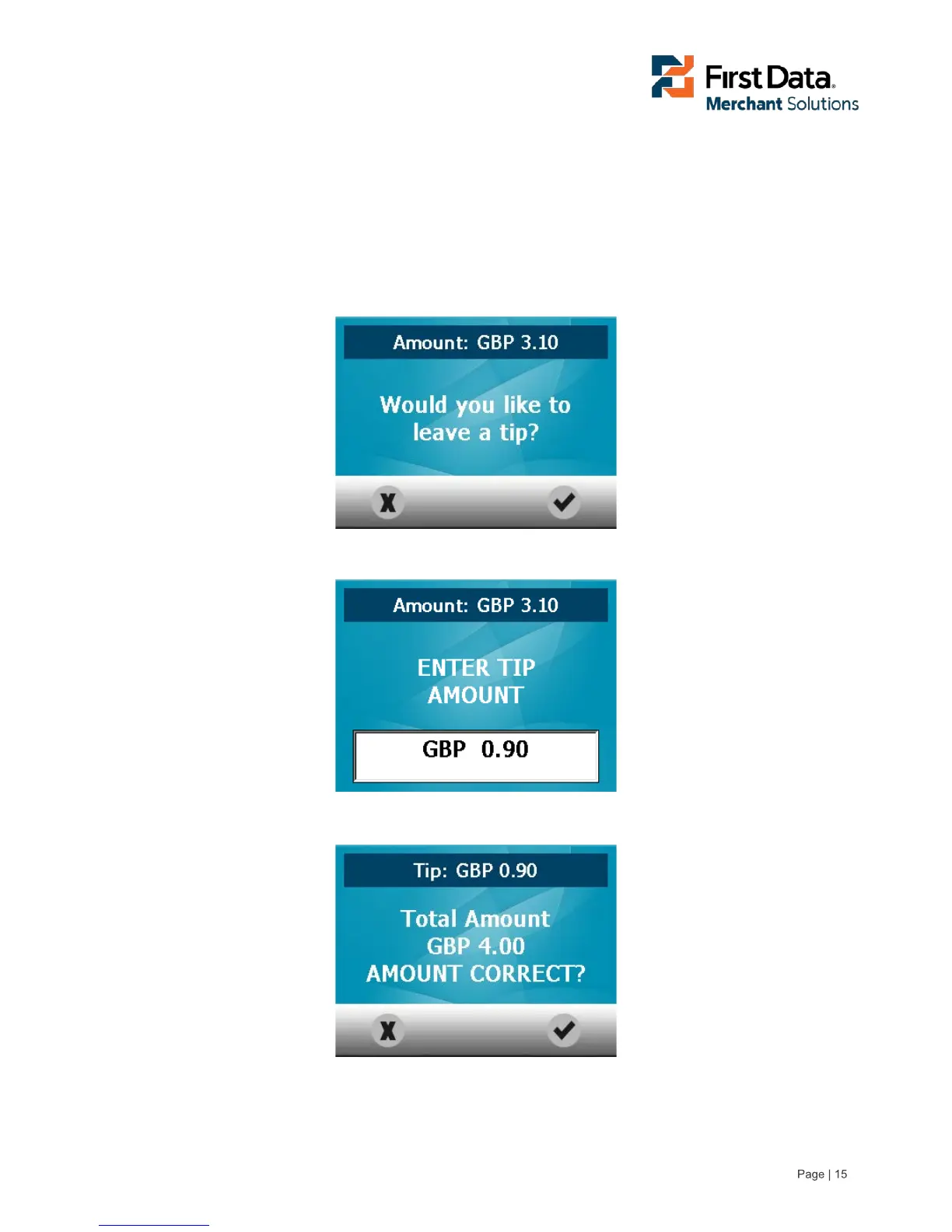
If TIP processing is available the Customer will be asked to enter and confirm the TIP amount in the
following way: First the Customer is asked if they want to add a TIP amount. If confirmed OK, the Customer
must enter the TIP amount and finally confirm the total amount.
TIP screen
Enter TIP amount screen
Confirm total amount screen



 To Next Page