10.1 Show parameters
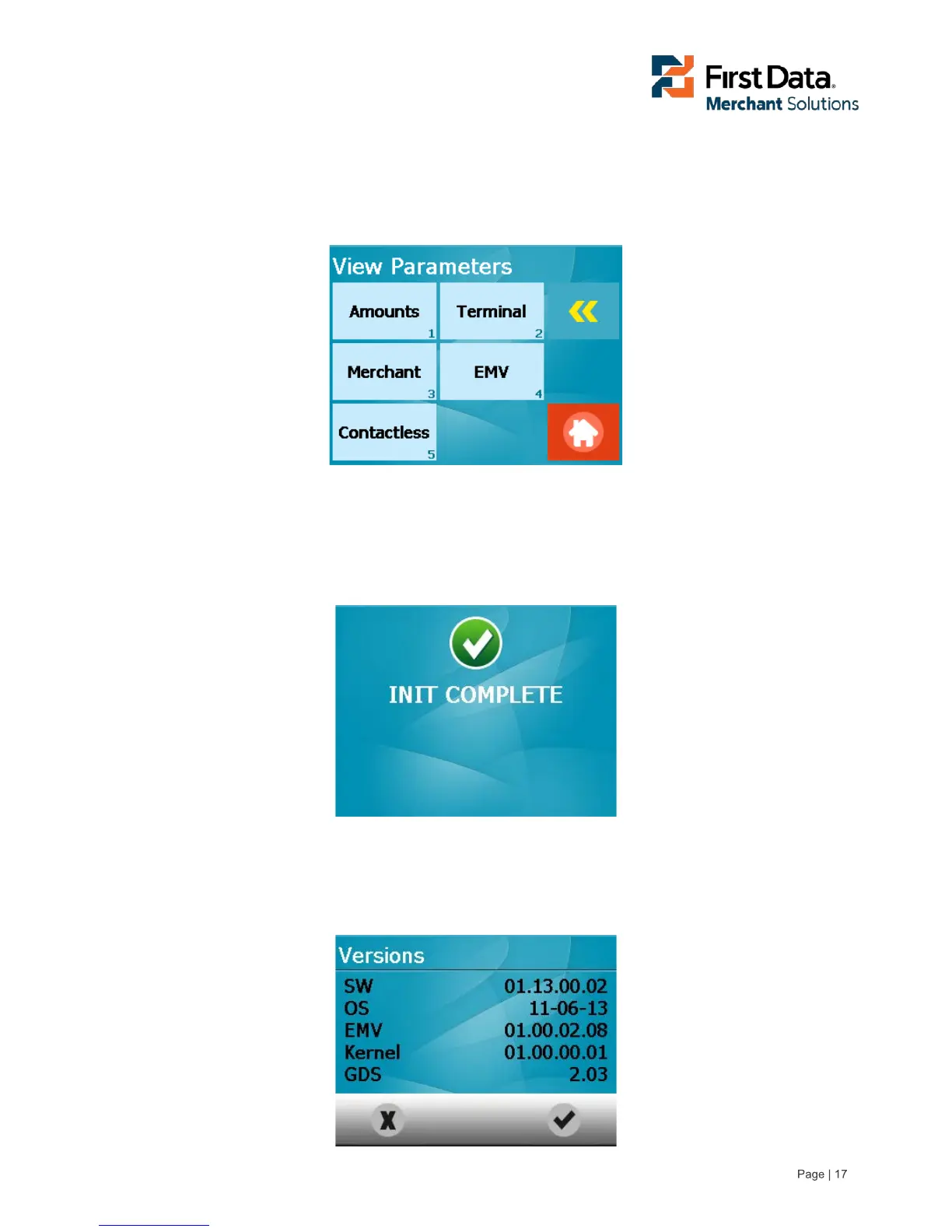
All configuration parameters may be showed by the user but are not changeable. A list of the different
parameter groups available for review will be displayed.
Show parameter screen
10.2 Initialise (Init) PinPad
This function is used to initialise the internal EMV Kernels for maintenance reasons. This function will not
be needed in standard working mode
Init PIN Pad complete screen
10.3 Display application versions
This function allows the user to review the current versions of the software loaded into the FD40 terminal.
SW version screen



 To Next Page