7 Entering card data
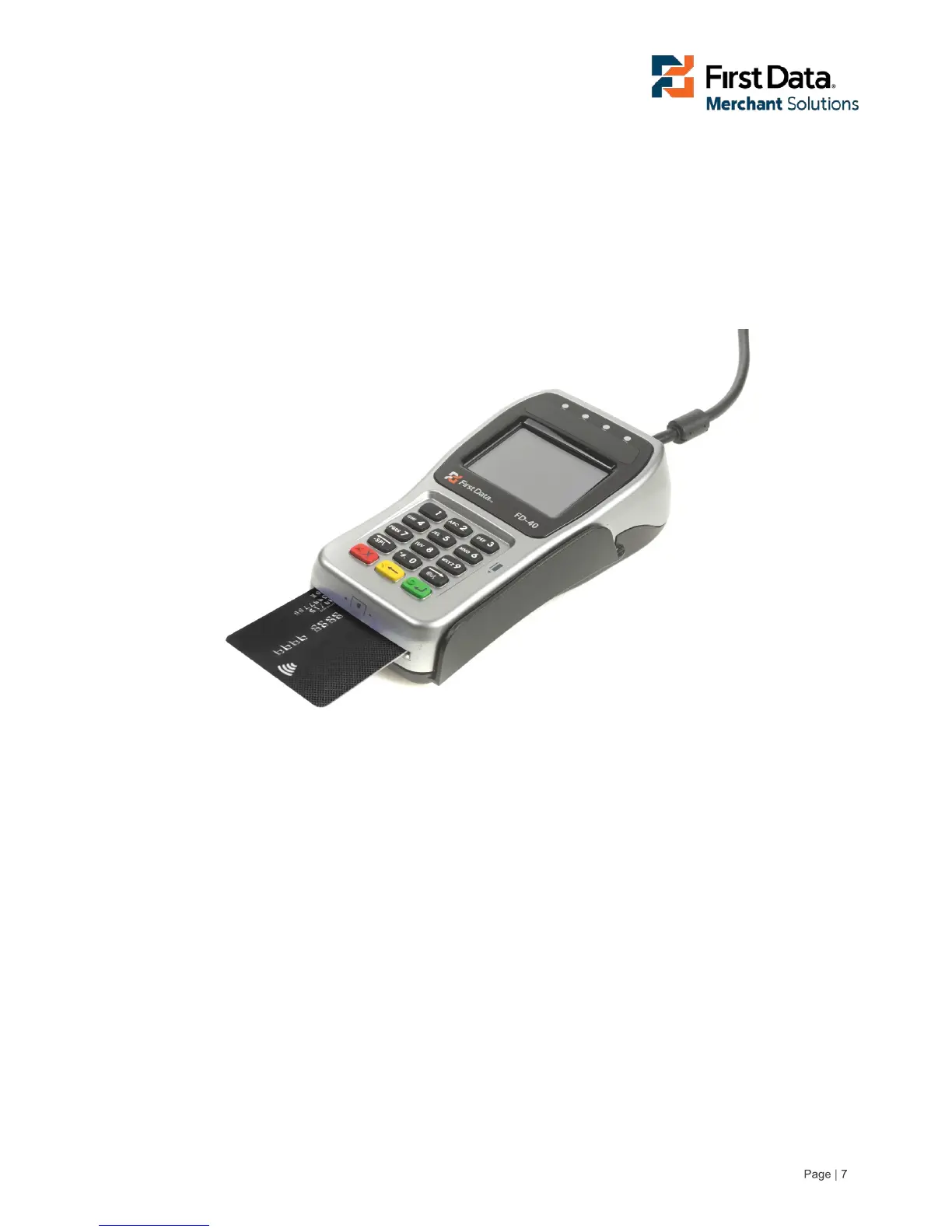
Card details can be captured by the FD40 by using card data read from the Chip Card reader located on
the front of the Terminal, the Near Field sensor located on the top of the terminal or from the Magnetic
Stripe Reader located on the right side of the Terminal.
7.1 Microprocessor cards
For Chip and PIN transactions, install the card into the Chip Card reader with the contacts face up as
shown in the image below.



 To Next Page