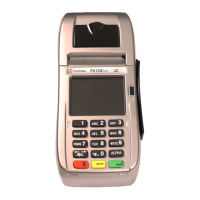
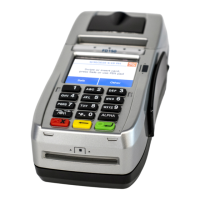
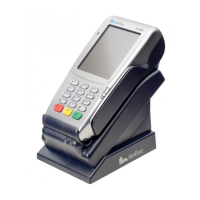
Connecting the device
• Remove bottom cover from terminal, if needed
• Disconnect power from terminal
• Connect the PIN Pad USB cable to the back of the terminal
into one of the USB ports
• Once the cables are fully connected, reconnect the power
to the terminal
Getting ready
The unit automatically starts up when connected to the
terminal/PC. It will display a status message until initialized
by the terminal or PC.
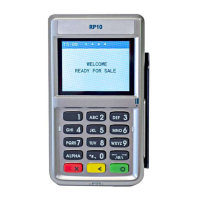
Using the PIN Pad
To initiate the transaction, the customer can swipe, tap for
contactless or insert their smart card themselves.
Alternatively, you can initiate the transaction from the FD
Terminal and the RP10 PIN Pad and terminal will prompt when
the customer should present their card.
Contactless transactions
Only contactless-equipped cards/devices, which are typically
marked with this icon can make contactless transactions
with the RP10 PIN Pad. The cardholder will tap his or her
contactless card/device against the top of the RP10 screen.


 To Next Page