7
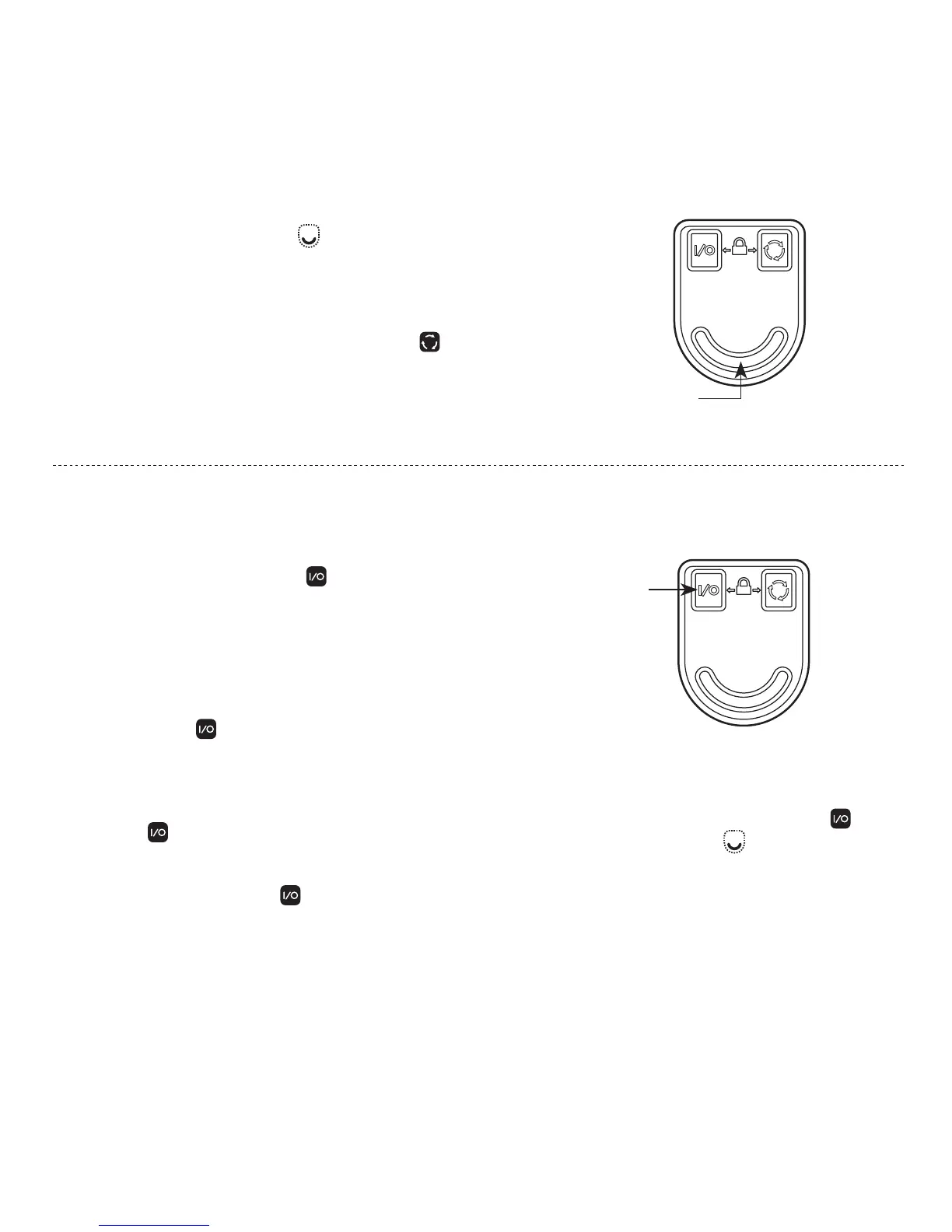
CONSTANT-ON
CONTROL
NOTE: While the primary white LED is
activated in Momentary Mode, Constant-On
Mode can be activated by simultaneously
pressing the Constant-On Control and
Momentary Control buttons then
releasing both buttons.
CONSTANT-ON MODE
The Constant-on Control button activates the
primary white LED and secondary color LEDs in
Constant-On Mode.
• To turn on the primary white LED from the
off position, press and hold the Constant-
On Control button until the white LED
illuminates then release.
• To turn on the secondary color LEDs from the
off position, press and release the Constant-On
Control button.
• To turn the light off, press and release the
Constant-On Control button.
MOMENTARY
CONTROL
MOMENTARY MODE
The Momentary Control button activates the
primary white LED at maximum brightness when
pressed. When released, the white LED turns off.
NOTE: To momentarily activate the secondary colored LEDs from
the off position, press and hold the Cycle Control button.
When released, the secondary LEDs turn off. The secondary
LEDs will illuminate at the last used Constant-On brightness level.



 To Next Page