Need help?
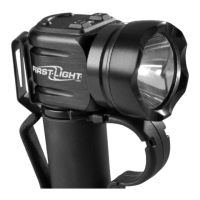
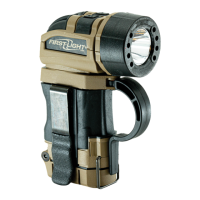
Do you have a question about the First Light TORQ and is the answer not in the manual?
Enables locking the flashlight to prevent accidental activation and entering ready mode.
Allows temporary light activation by pressing and releasing the button.
Details on turning the primary LED on/off and adjusting brightness.
Details on turning secondary LEDs on/off and adjusting brightness.
Procedure for cycling through and selecting secondary LED colors.
Instructions for activating and deactivating the safety beacon feature.
Method to activate colored LEDs from lockout mode via double-clicking.
Explanation of how low battery status is indicated.
Details on the 320-degree rotation capability of the flashlight head.
Information on the adjustable finger loop and warranty implications.
Instructions for removing/repositioning side panels for carry preference.
 General
| Brand | First Light |
|---|---|
| Model | TORQ |
| Category | Flashlight |
| Language | English |

 To Next Page