8
LOW BATTERY INDICATION
When the battery nears the end of its
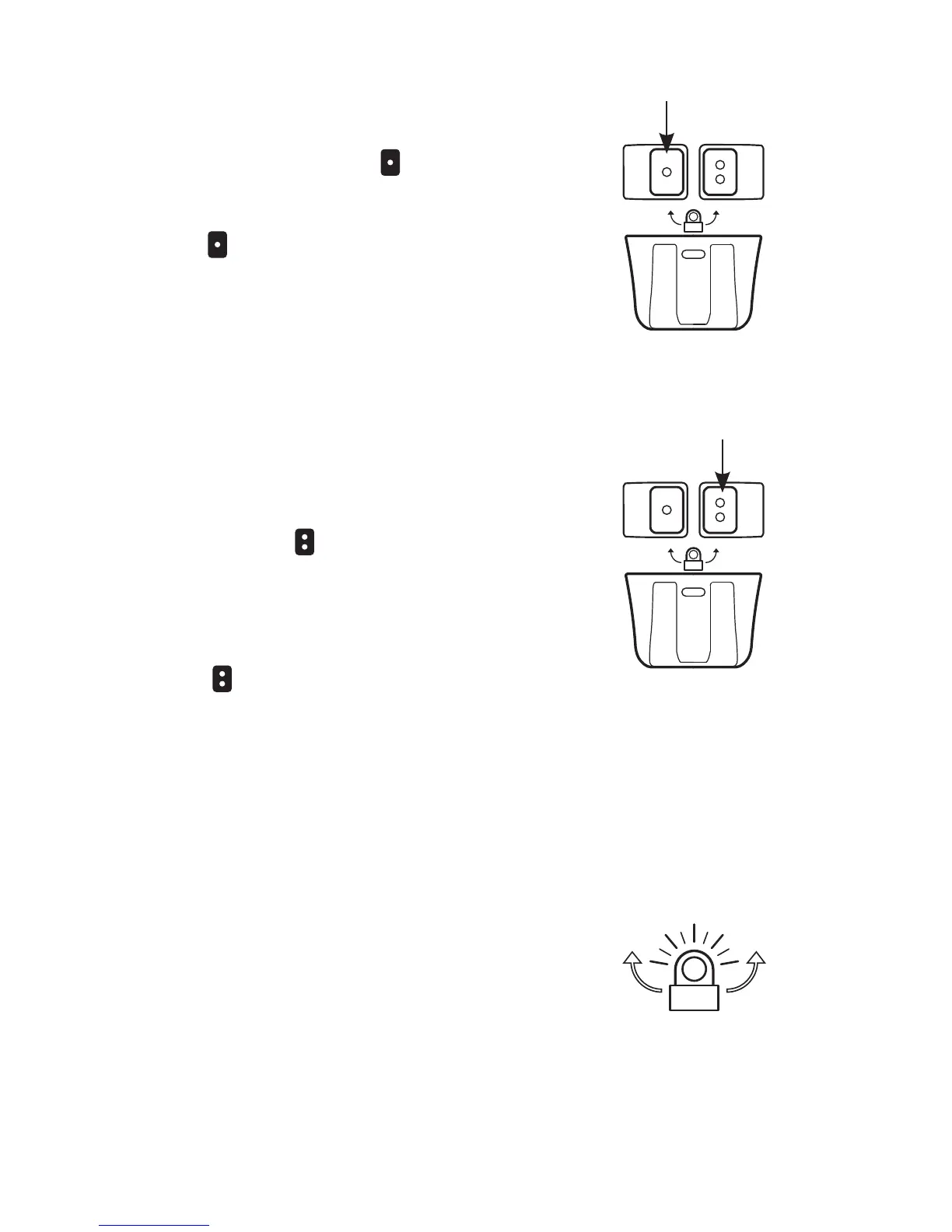
useful life the red Lock/Unlock indicator
will begin to ash. Once the useful life
of the batteries has been reached the
TORQ
™
will begin to limit its output in
order to extend run time.
DOUBLE-CLICK FOR
COLOR
While in Lockout Mode the colored
LEDs can be activated by double-
clicking the
button. This illuminates
the secondary color LEDs in the
lowest brightness setting and disables
the primary white LED. Adjust the
brightness by pressing and holding
the
button. When the color LEDs
are turned off, the light will return to
Lockout Mode.
SECONDARY
CONTROL
SAFETY BEACON MODE
To turn on the safety beacon, ensure
that the light is in the off position.
Press and hold the button until the
safety beacon is activated. To turn off
the safety beacon, press and release
the button.
PRIMARY
CONTROL


 To Next Page