6
BASIC FUNCTIONS
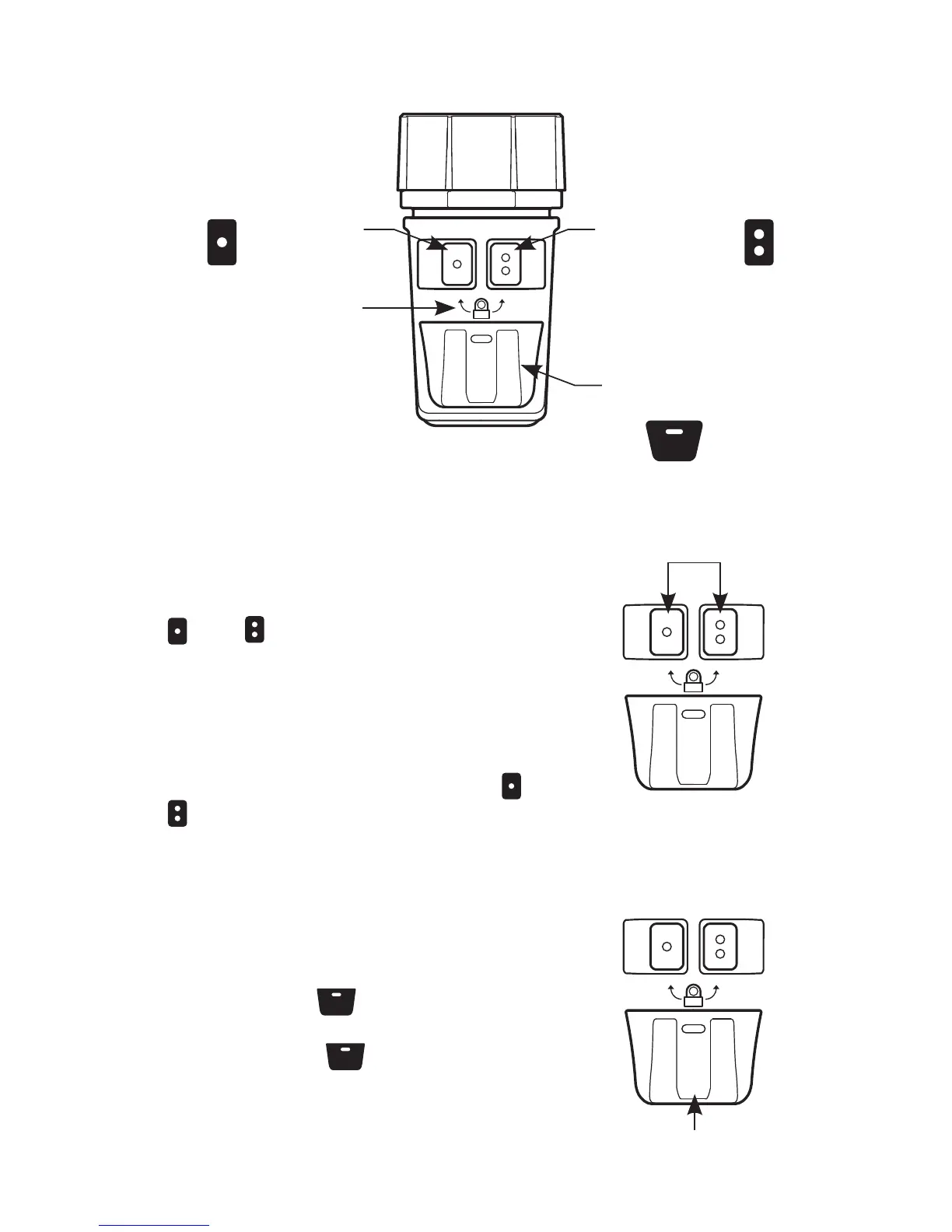
LOCKOUT/READY MODE
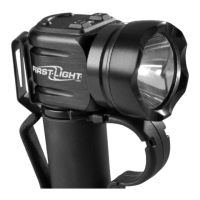
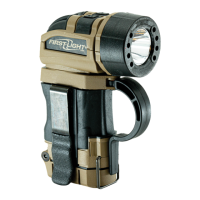
The TORQ
™
is factory-shipped in
Lockout Mode, a setting for preventing
accidental illumination.To unlock the
light and enter Ready Mode, press the
and buttons simultaneously and
release. The green “unlock” indicator
illuminates signaling that visible light
modes are active.
To re-enter Lockout Mode at any time
during use, press and hold the and
buttons simultaneously until the red
“lockout” indicator illuminates, then
release.
PRIMARY / SECONDARY
CONTROLS
MOMENTARY CONTROL
BUTTON
Pressing the button will turn on
the white LED in maximum output.
Releasing the
button will turn off
the white LED.
MOMENTARY
CONTROL
LOCK/UNLOCK
INDICATOR
PRIMARY
CONTROL
SECONDARY
CONTROL
MOMENTARY
CONTROL


 To Next Page