7
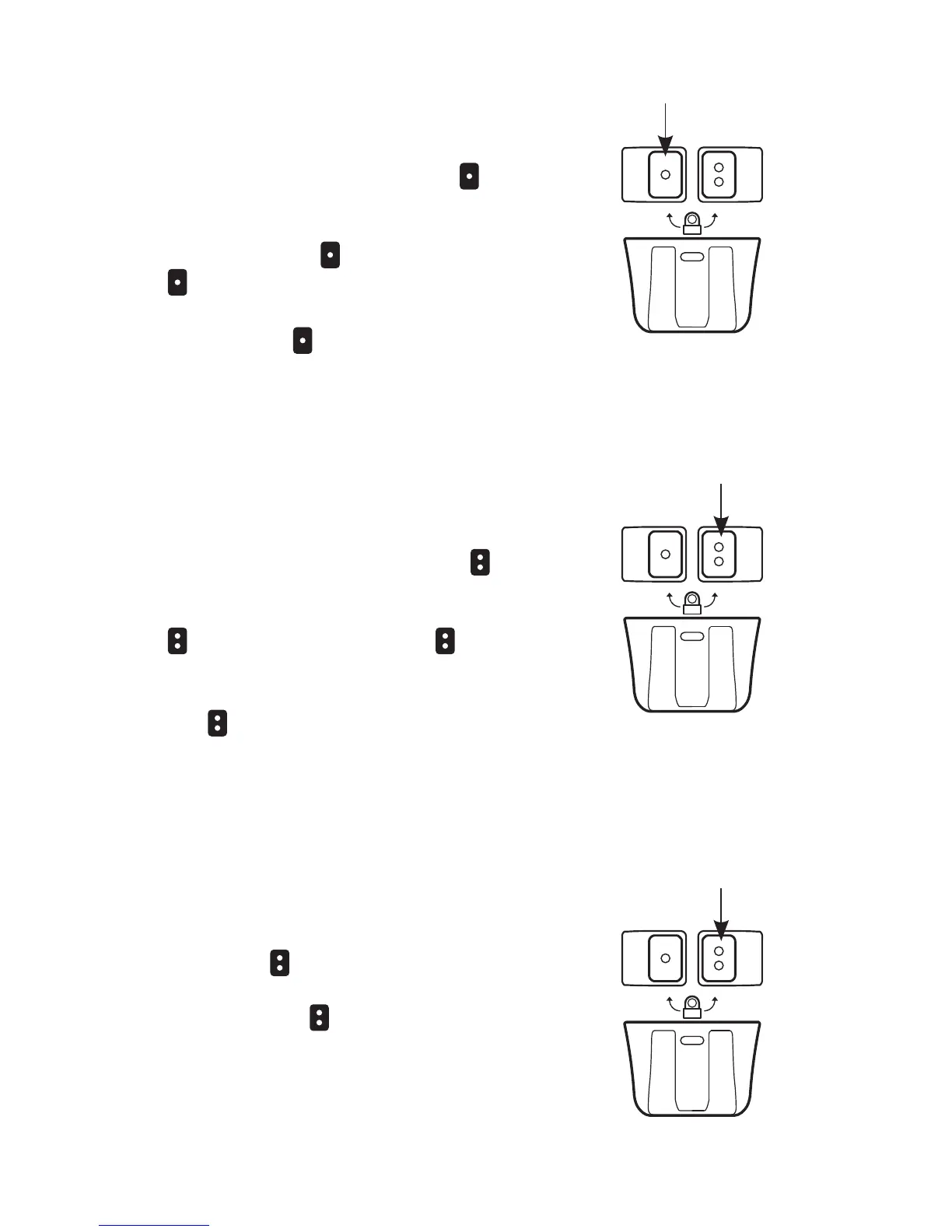
PRIMARY CONTROL
BUTTON
To turn on the primary (white) LED,
press and release the
button.
To adjust the brightness of the primary
LED, from the on position, press
and hold the button. Release the
button at the desired brightness.
To turn off the primary LED, press and
release the button.
PRIMARY
CONTROL
SECONDARY CONTROL
BUTTON
To turn on the secondary (color)
LEDs, press and release the
button.
To adjust the brightness of the
secondary LEDs, press and hold the
button. Release the button at
the desired brightness. To turn off the
secondary LEDs, press and release
the
button.
SECONDARY
CONTROL
SECONDARY COLOR
SELECTION
From the off position, press and
hold the button to cycle between
the secondary LED color options.
Release the
button at the desired
color.
SECONDARY
CONTROL



 To Next Page