23
Channel Name Edit (NM SET)
To edit channel name (five alphanumeric at most).
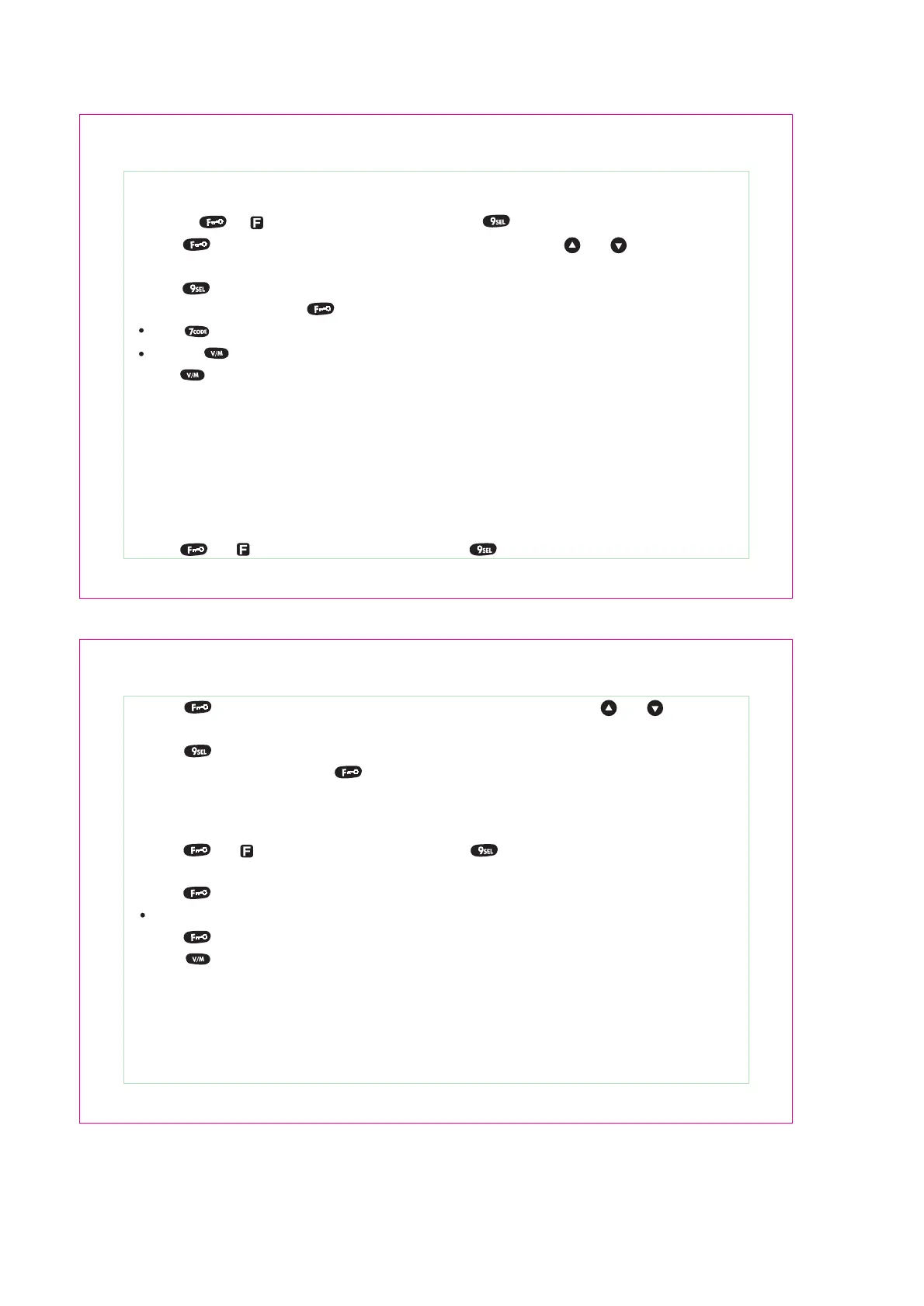
1. Press [ ] , “ ” is blinking on the LCD, then press [ ] key to enter the menu 12.
Open Message Edit (MSGSET)
You can edit the desired message while power ON. There are five alphanumeric at most.
1. Pressing [ ], “ ” is blinking on the LCD, then press [ ] to enter the menu 12.
2. Press [ ] to edit the content. The first character is blinking, use the [ ] / [ ] to select “0” ~ “9”,
“A”~ “Z”, “-“, “_”, “+”, “*” or a space.
3. Press [ ] to edit the second character.
4. Repeat step 2, 3 and press [ ] to finish the edit.
Press [ ] to delete or reedit the previous character.
Press the [ ] key to reedit.
5.Press [ ] key to exit the menu setting.
Channel Name Display Mode (NAME)
Enter the menu 11 to select the mode.
1. ALPHA: displays the channel name.
2. FREQ: displays the frequency
24
OFFSET (use for repeater)
This function is used for repeater operation.
1. Press [ ], “ ” is blinking on the LCD, then press [ ] to enter the menu mode.
2. Select the menu 13 (OFFSET)
3. Press [ ], then input the offset frequency.
Range from 00.000 MHZ to 69.995 MHZ (UHF).
4. Press [ ] to store and exit.
5. Press [ ] key to exit the menu setting.
2. Press [ ] to edit the contents. The first character is blinking, and use the [ ] / [ ] to select
“0” ~ “9”, “A”~ “Z”, “-“, “_”, “+” and “*”.
3. Press [ ] to edit the second character.
4. Repeat the step 2, 3 then press [ ] to finish the edit.
Open Message Display Mode (OPNMSG)
Enter the menu 14 to select the open message display mode.
1. OFF: Turn on normally; enter the frequency mode or memory channel mode directly.
2. DC: Displays the real-time voltage when turn on the transceiver.
3. MSG: Displays the message you edited when turn on the transceiver.


 To Next Page