Page 7 of 20 Confidential
3.2 How to register for DronMobile app
After you have installed a DroneMobile system into your vehicle, you can now register for a
DroneMobile account. In order to register for a DroneMobile account, you will need your
DroneMobile system’s serial number, which should be provided to you by your authorized
retailer.
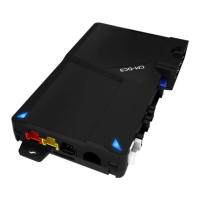
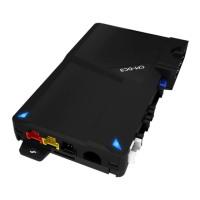
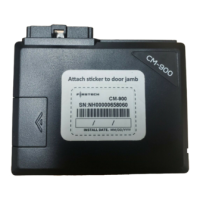
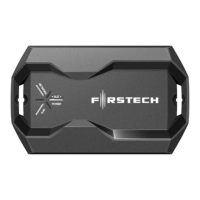
Your DroneMobile system’s serial number should be printed on a sticker that is included with
your DroneMobile module. If you cannot find this sticker, please contact your original place of
installation.
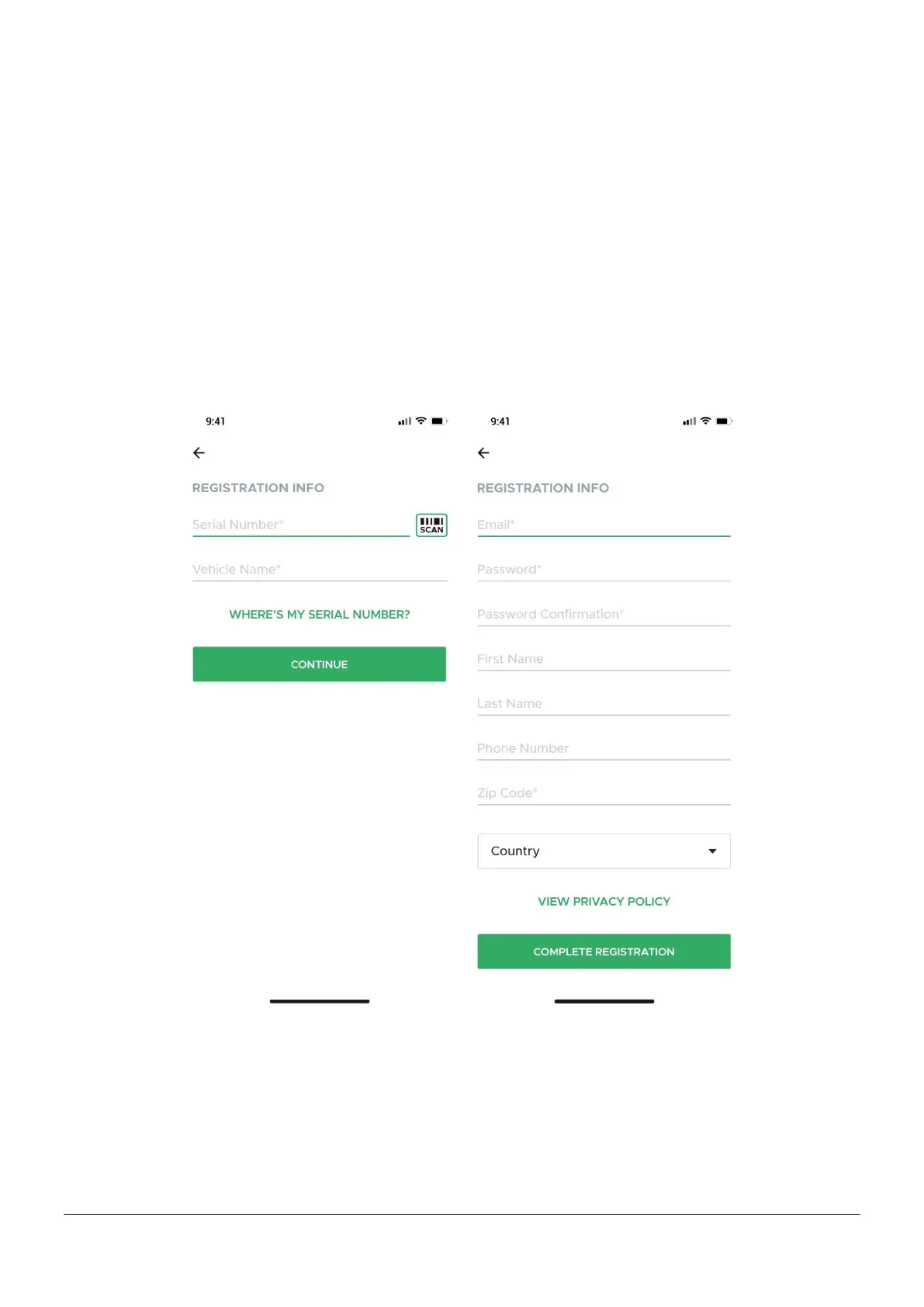
Registering in the DroneMobile App
1. Download the DroneMobile app from the App Store or Google Play store.
2. Press the “Register” link in the bottom corner.
3. Enter your DroneMobile system’s serial number and name your vehicle.
4. Create your DroneMobile username and profile.




 To Next Page